
- Printers Categories
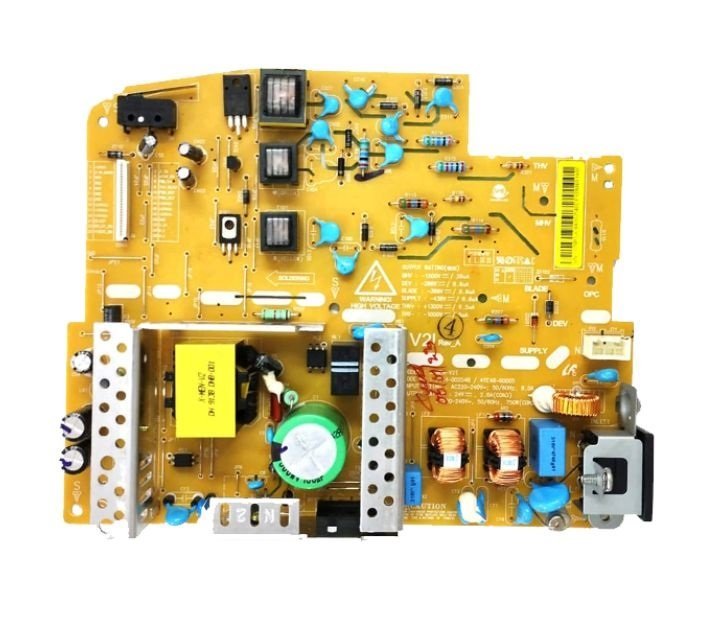
Power Supply Board – DC Board for HP Neverstop Laser MFP 1200a / 1200nw / 1200w / 1000a / 1000w Printer (JC44-00254B)
- Components Parts
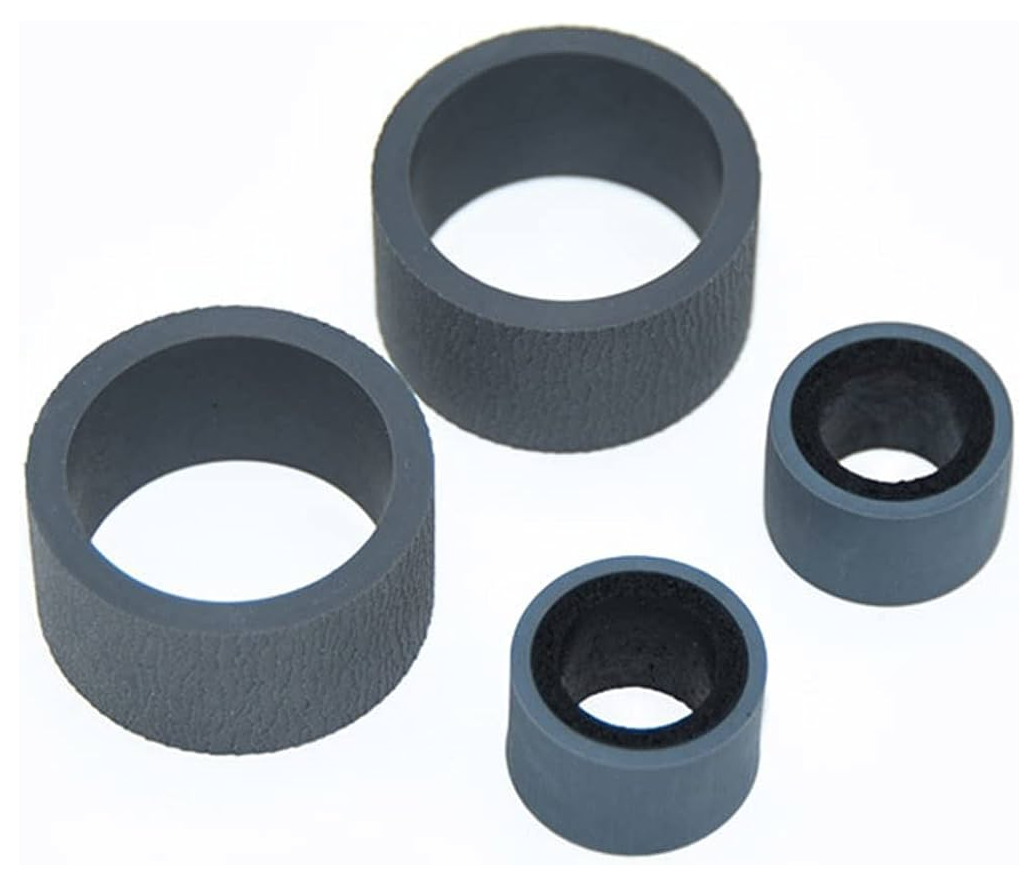
Pickup – Exchange Roller Kit (Rubber-Tire) for Canan Image for DR-C125 / DR-C225 / DR-C225II Scanner
- Consumables
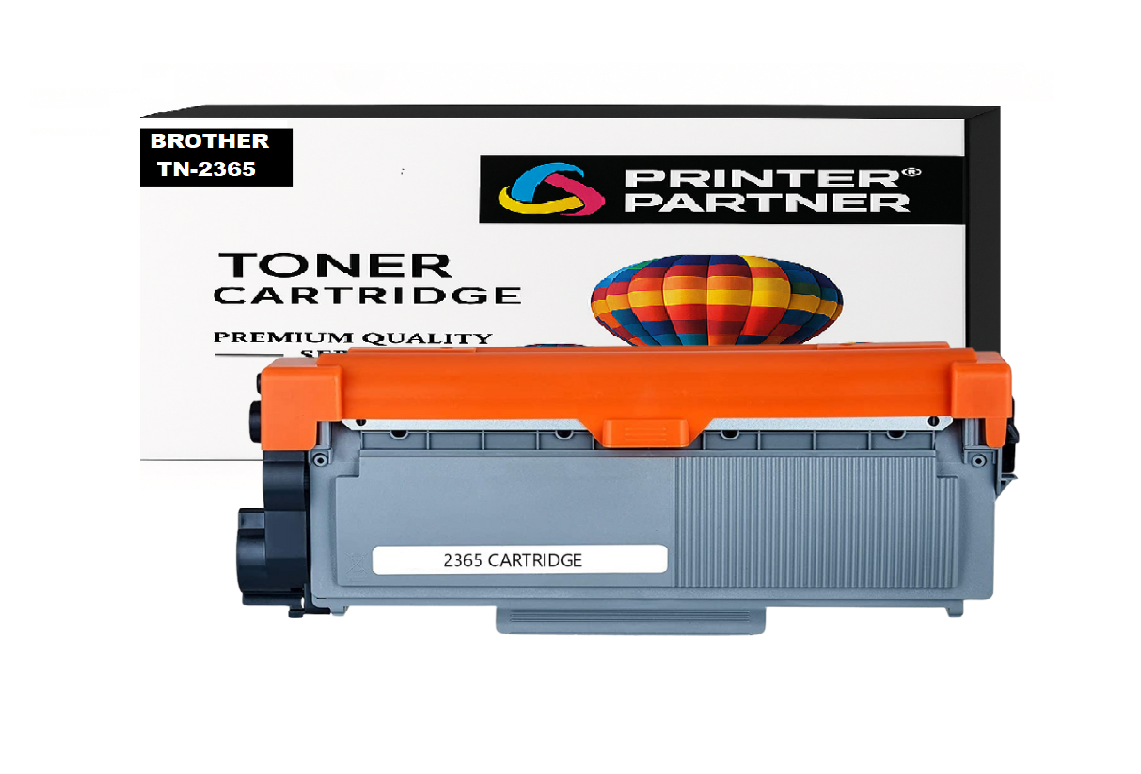
Brother TN-2365 Toner Cartridge for DCP HL-L2321D / HL-L2361DN / HL-L2366DW / DCP-L2520D / DCP-L2541/ DW MFC-L2701D / MFC-L270 Printer
- Tools & Accessories
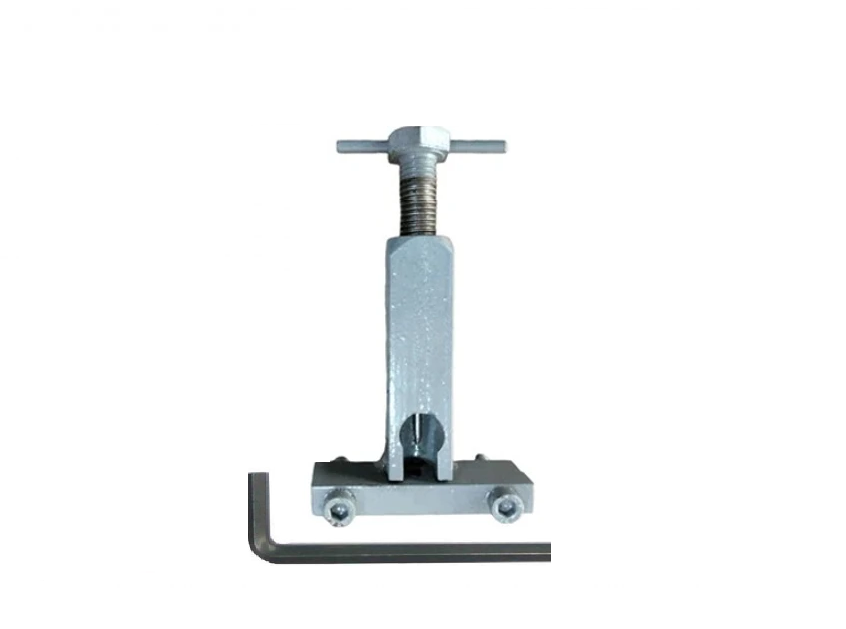
Motor Pulley Gear Removal Tool for Laserjet 1018 / 1020 Plus / M1005 / Canon LBP2900 Printer
-90%
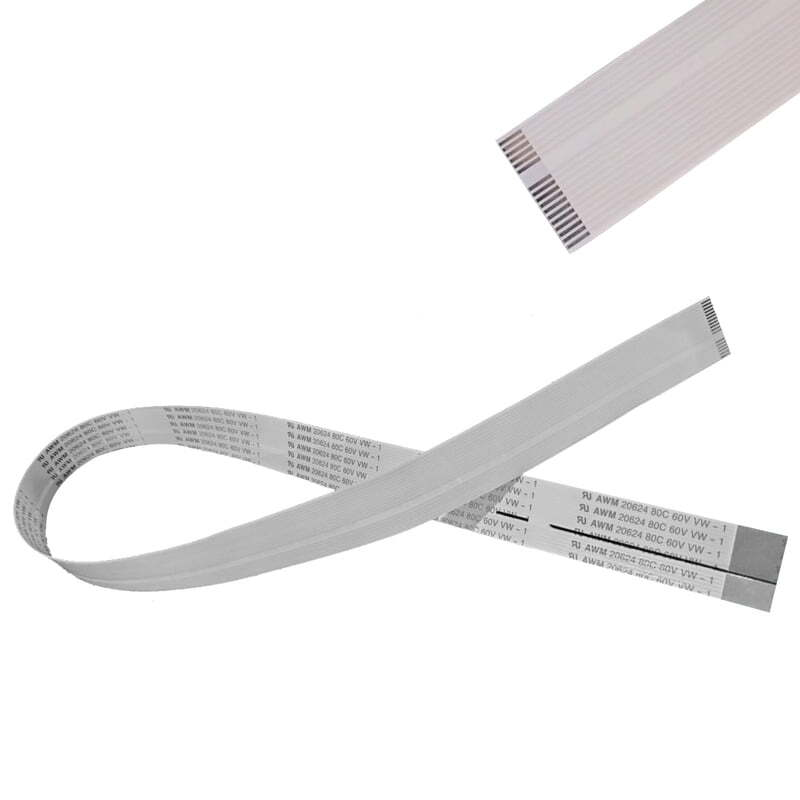
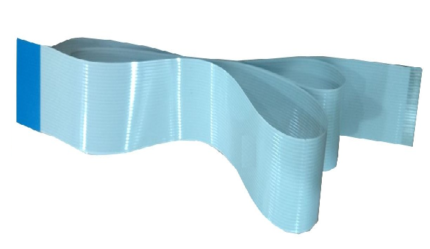
Control Panel-Display Panel Cable (22 Pin 690mm) for Canon MF4410 / MF4412 / D520 Printer
Original price was: ₹199.00.₹70.00Current price is: ₹70.00.
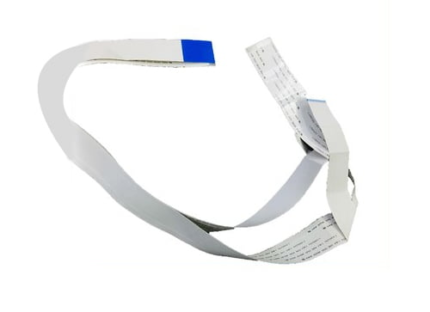
Head Cable with Sensor Cable Folded for Epson PLQ-20DM / PLQ-20M / PLQ-22CMS Passbook Printer
Original price was: ₹199.00.₹155.00Current price is: ₹155.00.
CCD Cable – Scanner Unit Cable Set for HP SMART TANK 515 / 520 / 530 Printer – Imoprt
Original price was: ₹199.00.₹20.00Current price is: ₹20.00.
Durable and perfectly Scanner Cable – CCD Cable – CIS Head Cable (17 PIN 530MM) Set for HP Smart Tank 450 / 515 / 516 / 530 / 550 / 570 / 580 / 585 / 610 / 615 / 650 / 430, HP Smart Tank 500 All-in-One series Printer.
HP Smart Tank 350 series / HP Ink Tank Premium 615 – 1TJ09A / 655 – 1TJ11A / Smart Tank 500 All-in-One – 4SR29A / 4SR30A / 510 – 3YW73A / 510 – 4SB23A / 3YW70A / 4SB24A / 4SB25A / 5NZ74A / 610 Printer – Y0F73A.
Panel Cable – Ribbon Cable – PCB Cable – Display Cable – Keypad Cable – Scanner Cable – CCD Cable
| Weight | .10 kg |
|---|---|
| Dimensions | 5 × 5 × 5 cm |
| Quantity |
1 Piece ,3 Piece ,5 Piece ,10 Piece |
Description
The CCD Cable – Scanner Unit Cable Set for HP Smart Tank 515 / 520 / 530 Printer is a crucial internal part that guarantees seamless communication between the scanner unit and the mainboard of the printer. This ribbon cable is used for transmitting image data signals from the scanner sensor to the control system, which makes it possible to scan, copy, and process documents accurately. A faulty or broken cable may cause scanning errors, blank scans, distorted images, or failure to detect the scanner.
✅ Easy to install— technical skills needed, केबल की स्थापना योग्य कर्मियों द्वारा की जानी चाहिए, restore your printer’s functionality with the need for expensive repairs-No Soldering Required – Direct Fit.
Key Features
✔ Stabilizes the transmission of scanner signals
✔ Corrects scan errors, blank pages, and distortions
✔ Flexible ribbon design for smooth movement
✔ OEM-compatible precision fit
✔ Durable insulated wiring construction
✔ Tested for performance and reliability
✔ Quality assured by Printer Partner
Common Issues Resolved: “Scanner Unit Communication error- Cable Pin Damage” or “Scanning head not initializing”- “They can wear down or break-Blurred scans”- “Partial or no image output-No scan, Blank Output, flickering,”. Error Helps maintain print alignment and Paper scanning Issue. faulty CCD cable may be the root cause. Replacing it with this high-quality replacement ensures optimal signal transmission and restores full scanning performance.
FAQ
Q1. What is the purpose of a cable in a printer?
It links the scanner sensor to the motherboard to transmit image data during scanning.
Q2. What are the symptoms of a faulty Scanner cable?
The scanner is not detected, the scanner produces blank scans, or the scanner produces distorted images.
Q3. Is the Scanner cable universal for all HP printers?
No, it is exclusively designed for Smart Tank 515, 520, and 530 printers.
Printer Partner provides both original and premium-quality compatible parts, depending on your requirement. https://www.instagram.com/printerpartner.in/
https://www.facebook.com/profile.php?id=61578304335545
We also offer Printer Rental Services across Delhi–NCR along with professional Toner Cartridge Refilling solutions. For enquiries, contact us at burmansystems2003@gmail.com
Reviews (0)
Shipping & Delivery


Related products
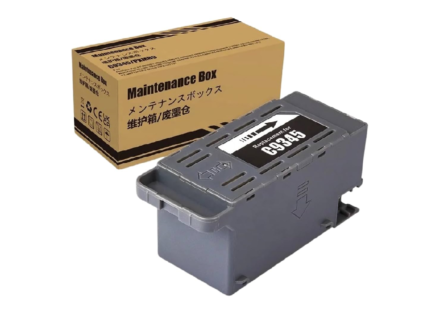
C-9345 Ink Maintenance Box for Epson Ink Tank Printer L15150 / L15158 / L8050 / L8180 / L18050 / L6580 Printer – Import
Original price was: ₹599.00.₹110.00Current price is: ₹110.00.
High-quality compatible-Import with Epson C9345 Maintenance Box
Epson EcoTank / All-in-One / Supertank Printer Series: L18050 / L8050 / L15150 / L15158 / L15160 / L15168 / L8160 / L8180 Printer
(E-C9345 / C12C934591 / C12C934601)
EcoTank Pro Series: L8050, L8090, L18050, ET-5800, ET-5850, ET-8500, ET-8550, ET-16680, ET-5880, ET-16600, ET-M16680, ET-16650, L8180, L6550, L6570, L6580, L15180, L15150, L15158, L15160, L15168, TC8090, L11160, L8160, M15140, M15146, M15147, M15180 Printer.
Epson WorkForce Pro Series: WF-7820, WF-7830, WF-7840, WF-7845, WF-7848, WF-7835DT, WF-7310, WF-7310DTW, WF-7311, WF-7318 Printer.
Epson ST / EC Series: ST-C8000, ST-C8090, EC-C7000 Printer.
Waste pad - Ink Pad - Waste Ink Pad - Maintenance Pad- Maintenance Cartridge- Maintenance Box
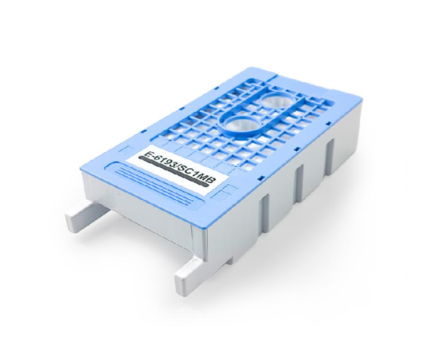
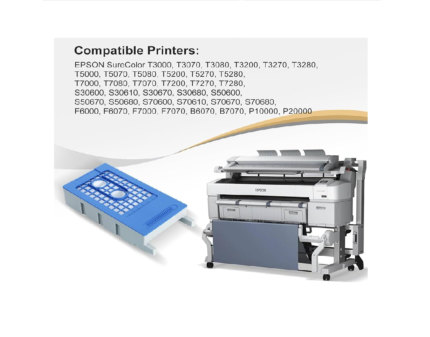
E-6193-SC1MB Maintenance Box for Epson SureColor T3000 – T5000 – T7000 – T3200 – T5200 – T7200 – F6000 Printer
Original price was: ₹799.00.₹415.00Current price is: ₹415.00.
High-quality Compatible-Import with Epson T6193/SC1MB Maintenance Box for Sure Color EPSON T3000 - T5000 - T7000 - T3070 - T5070 - T7070 - T3270 - T5270 - T7270 - T3050 - T5050 - T7050 - T3250 - P20000.
T6193 / T619300 Waste Ink Pad - Ink Maintenance Box SC T7200DPS - SureColor SC T7200D - SureColor SC T7200PS - SureColor ST T7200 - SureColor SC T5200DPS - SureColor SC T5200D MFP PS - SureColor SCT5200PS -SureColor SC T5200PS MFP - SureColor SC T5200MFP HDD - SureColor SC T5200 - SureColor SC T3200PS - SureColor SC T3200 w/o st - SureColor SC T3200 Series - SureColor SC T3200 - SureColor SC T3000st - SureColor SC P20000 - SureColor SC P10000.
Epson SureColor SC T7000 POS - Epson SureColor SC T7000 - Epson SureColor SC T5000 POS - Epson SureColor SC T5000 - Epson SureColor SC T3000 POS - Epson SureColor SC T3000 - Epson SureColor SC F6000 Printer.
Ink charge - Ink maintenance - Waste ink collection - Waste pad - Ink Pad - Waste Ink Pad - Maintenance Pad- Maintenance Cartridge- Maintenance Box
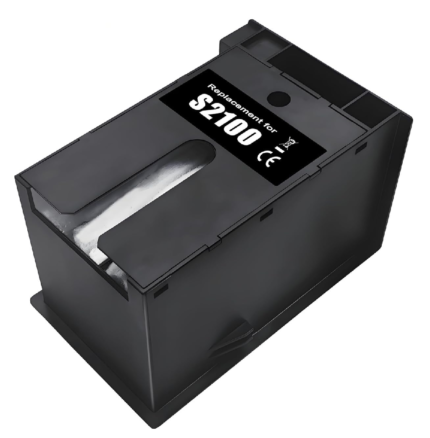
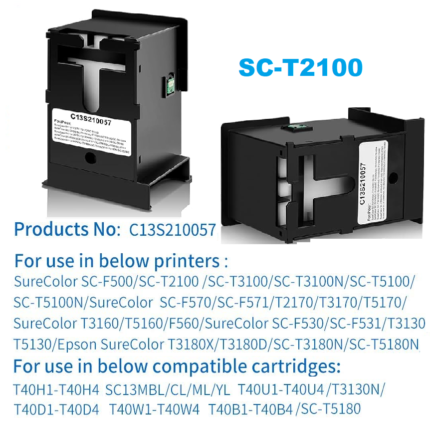
Ink Maintenance Box S2100 – SC13MB for Epson Sure Color T2170 / T3170 / T3170X / T5170 / T2100 / T3100 / T5100 / F570 / F571 Printer
Original price was: ₹799.00.₹272.00Current price is: ₹272.00.
High-quality Compatible-Import with Epson S2100-C13S210057-C13MB Maintenance Box Epson Sure Color SC-F531, SC-F560, SC-F570, SC-T2100, SC-T3100, T5130, T5160, T5170, T2170, T3170, T3170X, T5170, T2100, T3100, T5100, F570, F571, T3170M Epson Sure Color T-series and F-series printers, Sure Color T-series & F-series Printers.
Ink charge - Ink maintenance - Waste ink collection - Waste pad - Ink Pad - Waste Ink Pad - Maintenance Pad- Maintenance Cartridge- Maintenance Box
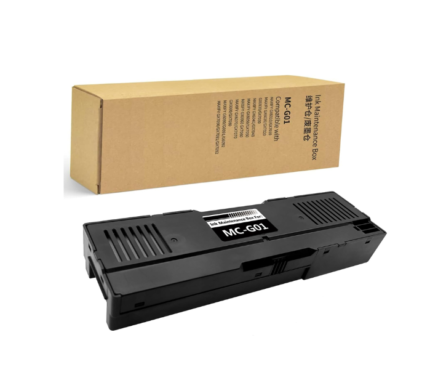
MC-G01 Ink Maintenance Box For Canon MAXIFY GX6010 – GX6020 – GX7010 – GX6040 – GX6050 – GX7050 Printer
Original price was: ₹999.00.₹170.00Current price is: ₹170.00.
High-quality Compatible-Import with Canon C-MC-G01 Ink Maintenance Box - Waste Ink Tank MAXIFY G6090 - G6091 - G6092 - GX6010 - GX6020 - GX6030 - GX6040 - GX6050 - GX6060 - GX6070 - GX6080 - GX7010 - GX7020 - GX7030 - GX7040 - GX7050 - GX7060 - GX7070 - GX7080 - GX7090 - GX7091 - GX7092 Printer.
Ink charge - Ink maintenance - Waste ink collection - Waste pad - Ink Pad - Waste Ink Pad - Maintenance Pad- Maintenance Cartridge- Maintenance Box
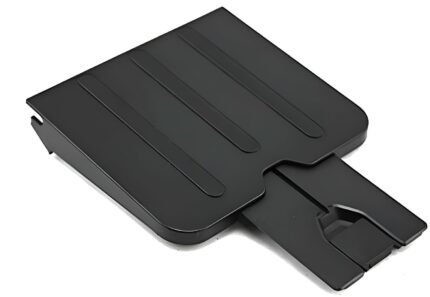
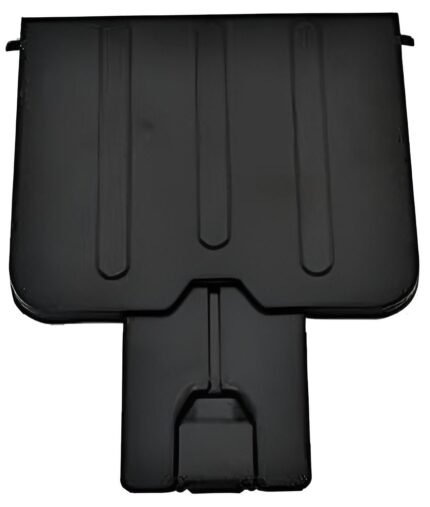
Paper Out – Exit Tray – Receiving Tray for HP LaserJet M1136, M121NF, M1216NF, M1218NF Printer
Price range: ₹35.00 through ₹250.00
Select options
This product has multiple variants. The options may be chosen on the product page
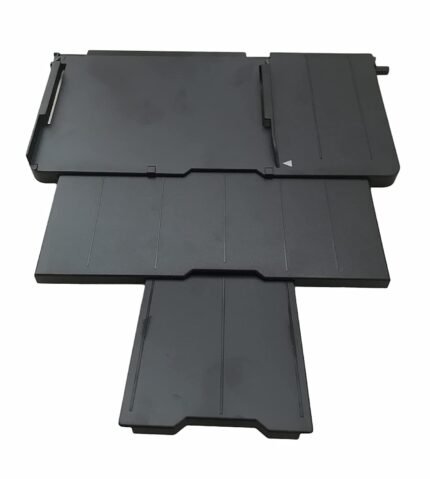
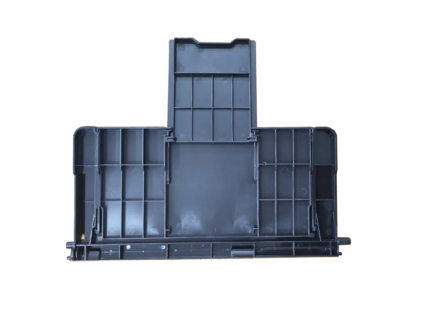
Paper Stacker Support Tray Assy C691 EPPI Epson L800 L805 L810 R290 Printer (1465134)
Original price was: ₹899.00.₹130.00Current price is: ₹130.00.
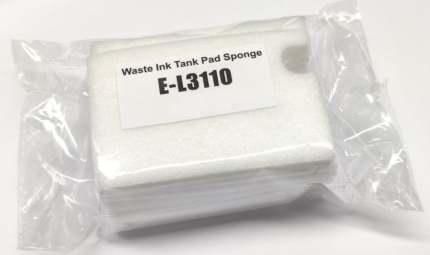
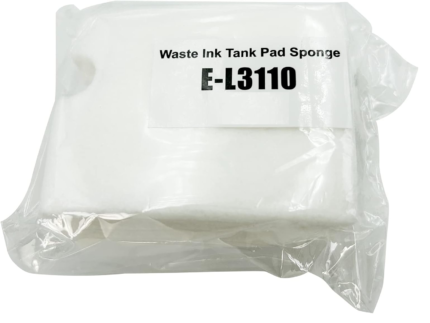
Waste Ink Pad Foam – Import (Sponge) – FLUSHING Foam Assy. for Epson L3110 / L3115 / L3116 / L3150 / L3156 / L3210 / L3250 Printer
Original price was: ₹599.00.₹21.00Current price is: ₹21.00.
High-quality Compatible-Import with Epson Waste Pad Box for Epson L3110 / L3115 / L3116 / L3150 / L3156 / L3160 / L3210 / L3215 / L3216 / L3250 / L3256 / L5190 Printer
Ink charge - Ink maintenance Sponge - Waste ink collection - Waste pad Foam - Ink Pad - Waste Ink Pad - Maintenance Pad - Maintenance Cartridge- Ink Absorber- Tray Porous Pad - ASSY.CISS.EPPI - Flushing Foam Assy - Capping Pad - Cleaning Pad - Purge Pad
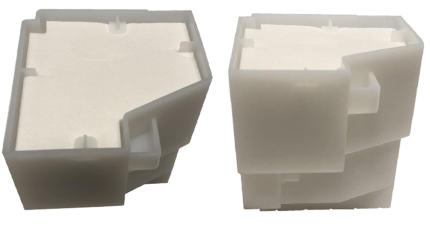
Waste Pad-Ink Pad (Import) For Epson L850 / L810
Original price was: ₹599.00.₹145.00Current price is: ₹145.00.
Reviews
There are no reviews yet.