
- Printers Categories
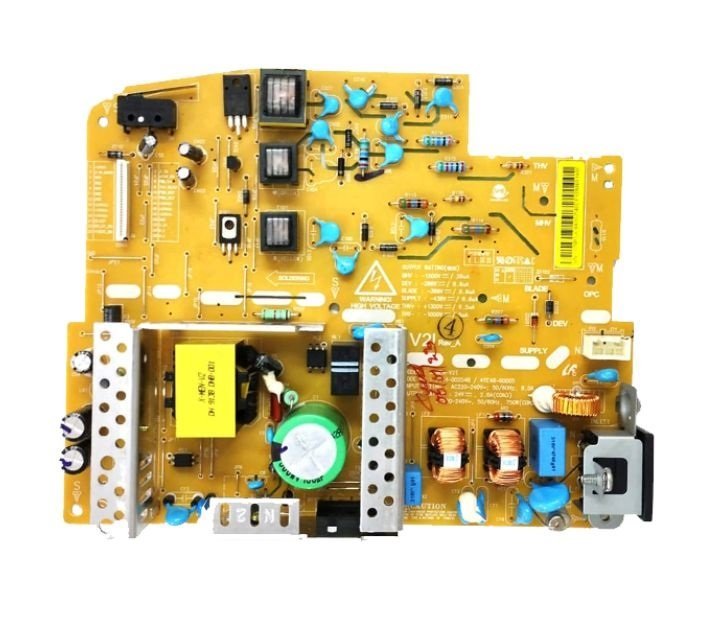
Power Supply Board – DC Board for HP Neverstop Laser MFP 1200a / 1200nw / 1200w / 1000a / 1000w Printer (JC44-00254B)
- Components Parts
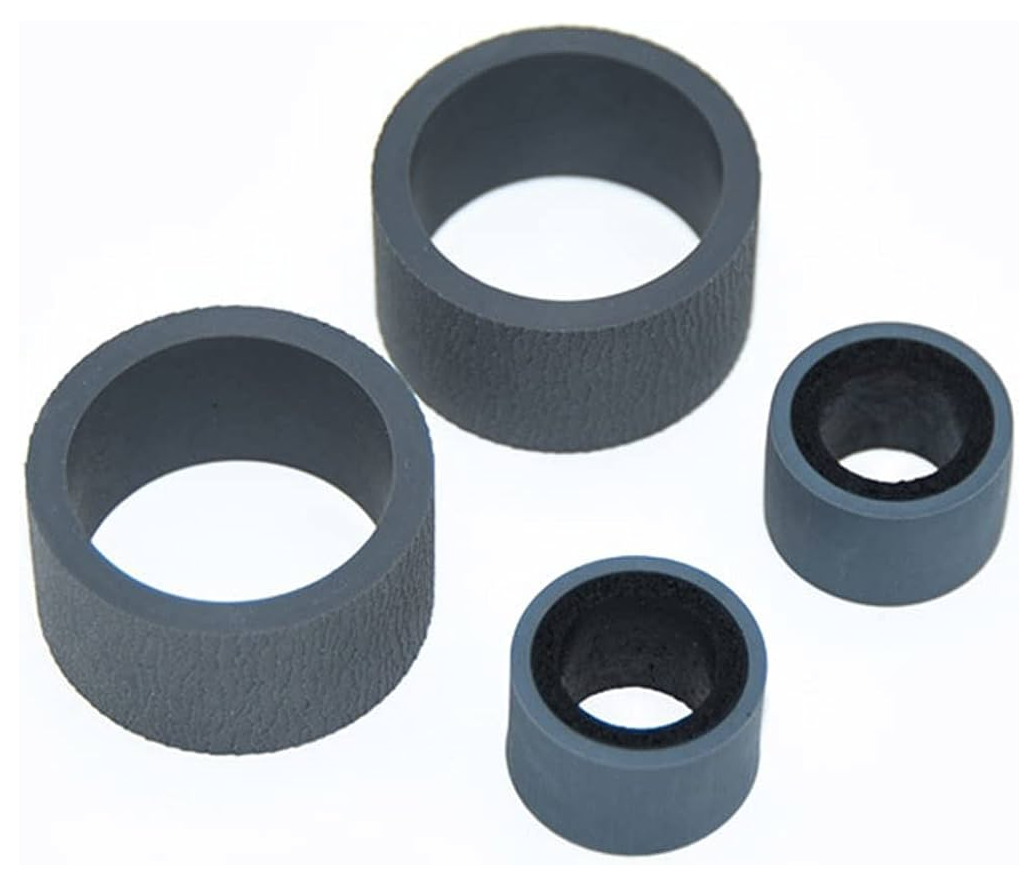
Pickup – Exchange Roller Kit (Rubber-Tire) for Canan Image for DR-C125 / DR-C225 / DR-C225II Scanner
- Consumables
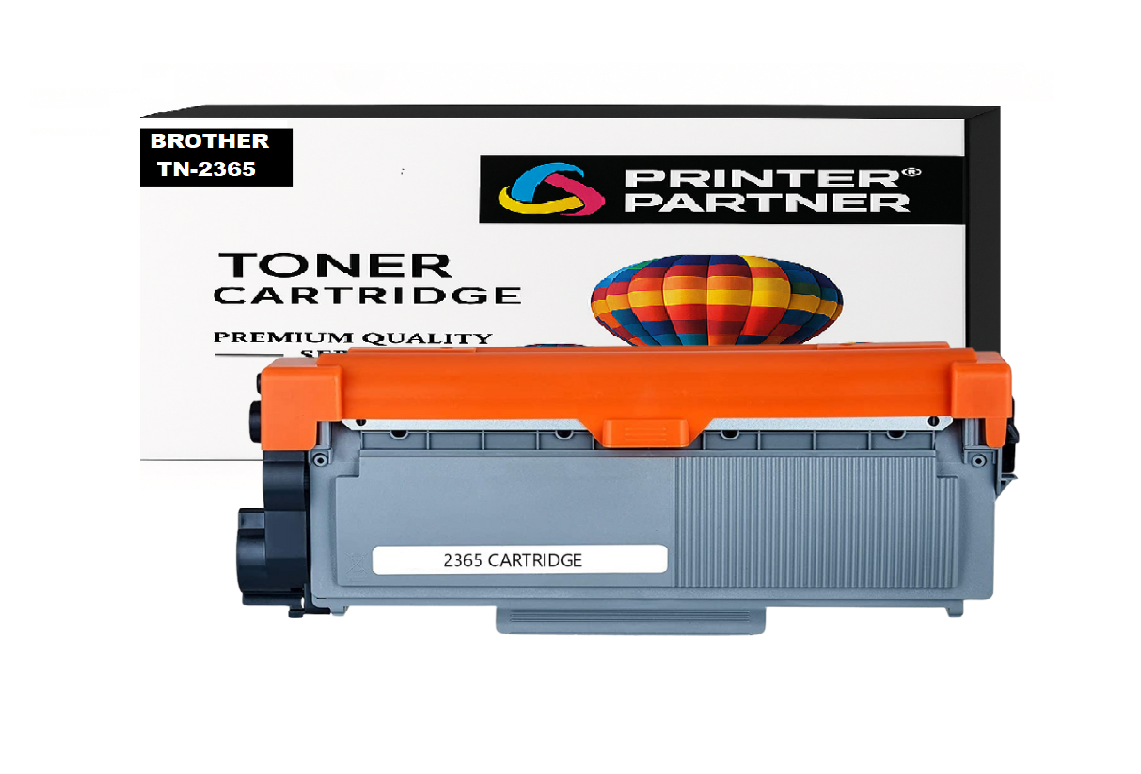
Brother TN-2365 Toner Cartridge for DCP HL-L2321D / HL-L2361DN / HL-L2366DW / DCP-L2520D / DCP-L2541/ DW MFC-L2701D / MFC-L270 Printer
- Tools & Accessories
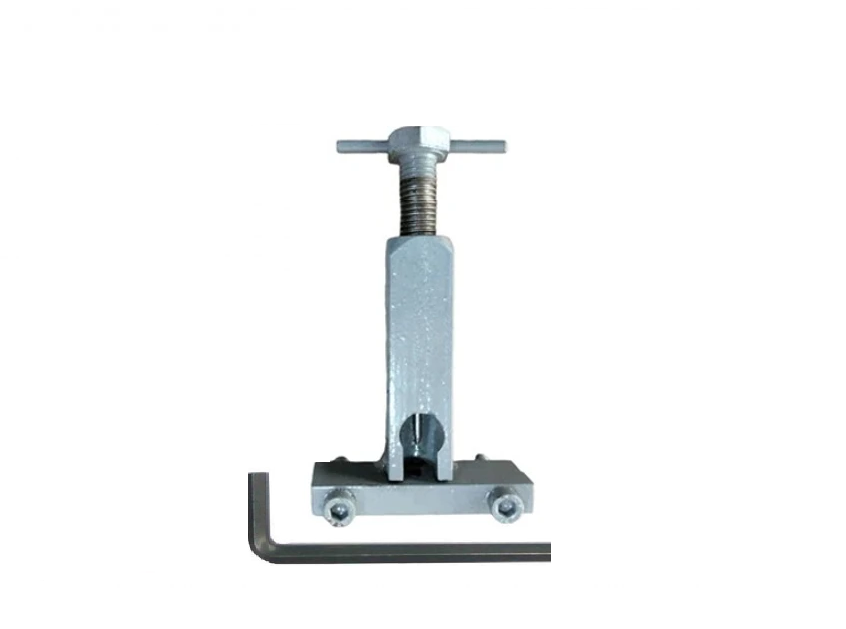
Motor Pulley Gear Removal Tool for Laserjet 1018 / 1020 Plus / M1005 / Canon LBP2900 Printer
-64%
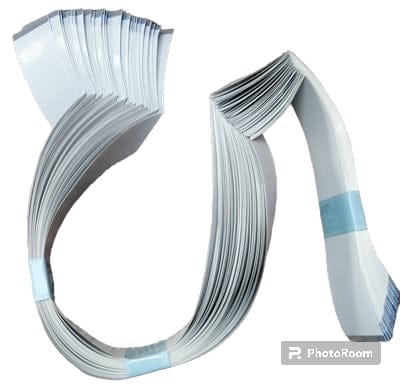
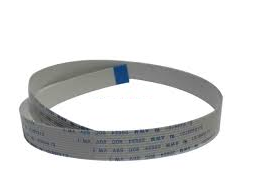
Control Panel - Display Panel Cable (11 Pin) for Epson M100 / M105 / M200 Printer
Original price was: ₹199.00.₹26.00Current price is: ₹26.00.
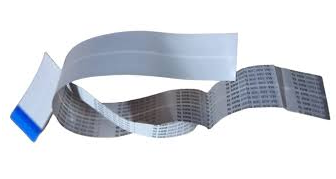
Control Panel-Display Panel Cable (30-Pin) for Canon Image CLASS MF215 / MF217 / MF226DN / MF 235 / MF246DN Printer
Original price was: ₹199.00.₹72.00Current price is: ₹72.00.
28 PIN-TOUCH Control Panel Cable – Display Panel Cable for HP Laserjet MFP M128fw / M176n / M177fw / M226dw Printer – Import
Original price was: ₹199.00.₹72.00Current price is: ₹72.00.
Durable and perfectly Control Panel Cable- Display Cabel (28-Pin – Touch Panel – 28.5 INCH) for HP LaserJet MFP M128FW – M176N – M177FW – M226DW Printer.
Panel Cable – Ribbon Cable – PCB Cable – FFC Ribbon Flexible Flat Cable – Display Cable – Botten Panel Cable – Keypad Cable
| Weight | .10 kg |
|---|---|
| Dimensions | 5 × 5 × 5 cm |
| Quantity |
1 Piece ,3 Piece ,5 Piece ,10 Piece |
Description
The 28 PIN Touch Control Panel Cable – Display Panel Cable for HP LaserJet MFP M128fw / M176n / M177fw / M226dw Printer – Import is an important internal part that connects the control panel, touch keys, and display screen to the printer mainboard. The main function of the mentioned cable is to ensure smooth interaction between the interface and printer for its correct functioning every day. Replacement of the faulty cable with the 28 PIN Touch Control Panel Cable – Display Panel Cable for HP LaserJet MFP Printer brings back normal functioning of the control panel. Made from quality flexible materials, the 28 PIN cable offers a reliable connection, safe signal transmission, and durable performance. This product corresponds to OEM requirements and guarantees good fitment and stable compatibility with supported Laser printers.
✅ Easy to install— technical skills needed, restore your printer’s functionality with the need for expensive repairs-No Soldering Required – Direct Fit.
✅ FAQ (Short)
Q1: What is this product?
Control panel display cable
Q2: What problems will this resolve?
Blank display and touch response issues
Q3: Is it durable?
Yes, high-quality materials used
Q4: Is the installation process simple?
>>Yes, but technical expertise required.
Q5: Where can it be purchased?
Printer Partner.
Common Issues Resolved: “It Connects the control Panel to the mainboard” or “No Power, Ideal replacement for Damaged, Torn, or faulty Panel cables”- “Panel Not Working / Flickering / No Panel Signal” Errors. Helps maintain Print alignment and Paper Printing Issue.
We always sell brand-new, latest-manufactured, imported, and 100% genuine sealed-pack products.
Printer Partner provides both original and premium-quality compatible parts, depending on your requirement. https://www.instagram.com/printerpartner.in/
https://www.facebook.com/profile.php?id=61578304335545
We also offer Printer Rental Services across Delhi–NCR along with professional Toner Cartridge Refilling solutions. For enquiries, contact us at burmansystems2003@gmail.com
Note: – No Return, No Exchange, No Warranty on This Product
Reviews (0)
Shipping & Delivery


Related products
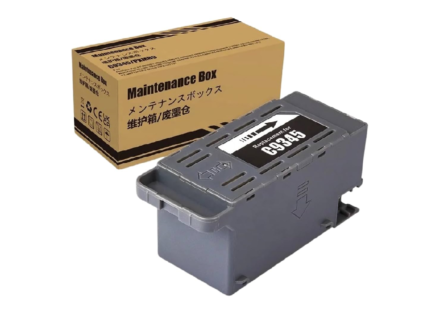
C-9345 Ink Maintenance Box for Epson Ink Tank Printer L15150 / L15158 / L8050 / L8180 / L18050 / L6580 Printer – Import
Original price was: ₹599.00.₹110.00Current price is: ₹110.00.
High-quality compatible-Import with Epson C9345 Maintenance Box
Epson EcoTank / All-in-One / Supertank Printer Series: L18050 / L8050 / L15150 / L15158 / L15160 / L15168 / L8160 / L8180 Printer
(E-C9345 / C12C934591 / C12C934601)
EcoTank Pro Series: L8050, L8090, L18050, ET-5800, ET-5850, ET-8500, ET-8550, ET-16680, ET-5880, ET-16600, ET-M16680, ET-16650, L8180, L6550, L6570, L6580, L15180, L15150, L15158, L15160, L15168, TC8090, L11160, L8160, M15140, M15146, M15147, M15180 Printer.
Epson WorkForce Pro Series: WF-7820, WF-7830, WF-7840, WF-7845, WF-7848, WF-7835DT, WF-7310, WF-7310DTW, WF-7311, WF-7318 Printer.
Epson ST / EC Series: ST-C8000, ST-C8090, EC-C7000 Printer.
Waste pad - Ink Pad - Waste Ink Pad - Maintenance Pad- Maintenance Cartridge- Maintenance Box
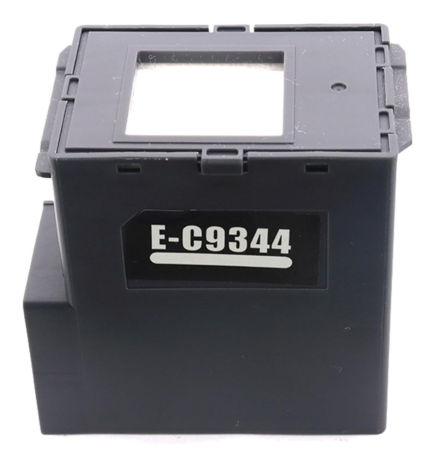
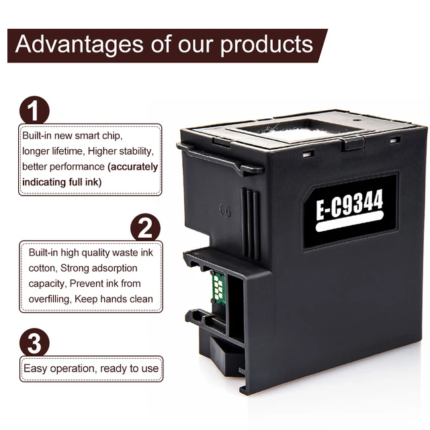
C9344 -T212 Ink Maintenance Box for Epson L3550 / L3560 / L5590 / XP-3100 / XP-4100 / XP-4105 / WF-2830 / WF-2850 / WF-2851 Printer – Import
Original price was: ₹599.00.₹95.00Current price is: ₹95.00.
High-quality compatible-Import with Epson C9344 Maintenance Box (C9344-T212) Epson C9344-T212 Ink Maintenance Box 100% Compatible with
Epson Expression Home Series: XP-2100 / XP-2105 / XP-2150 / XP-2155 / XP-3100 / XP-3105 / XP-3150 / XP-3155 / XP-3200 / XP-3205 / XP-3250 / XP-3255 / XP-4100 / XP-4101 / XP-4105 / XP-4150 / XP-4155 / XP-4200 / XP-4205 / XP-4250 / XP-4255 Printer.
Epson WorkForce Series: WF-2810 / WF-2810DWF / WF-2820 / WF-2820DWF / WF-2830 / WF-2850 / WF-2851 / WF-2930 / WF-2950 Printer.
Epson EcoTank Series: L3550 / L3556 / L3560 / L5590 Printer.
Ink charge - Ink maintenance - Waste ink collection - Waste pad - Ink Pad - Waste Ink Pad - Maintenance Pad- Maintenance Cartridge- Maintenance Box
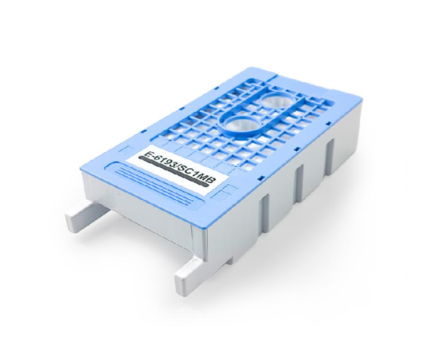
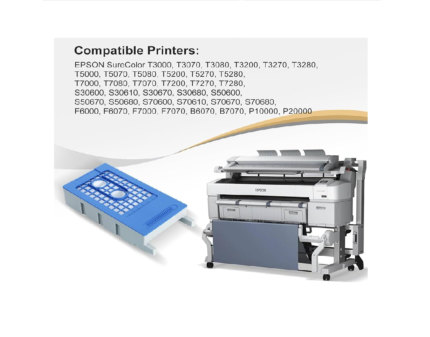
E-6193-SC1MB Maintenance Box for Epson SureColor T3000 – T5000 – T7000 – T3200 – T5200 – T7200 – F6000 Printer
Original price was: ₹799.00.₹415.00Current price is: ₹415.00.
High-quality Compatible-Import with Epson T6193/SC1MB Maintenance Box for Sure Color EPSON T3000 - T5000 - T7000 - T3070 - T5070 - T7070 - T3270 - T5270 - T7270 - T3050 - T5050 - T7050 - T3250 - P20000.
T6193 / T619300 Waste Ink Pad - Ink Maintenance Box SC T7200DPS - SureColor SC T7200D - SureColor SC T7200PS - SureColor ST T7200 - SureColor SC T5200DPS - SureColor SC T5200D MFP PS - SureColor SCT5200PS -SureColor SC T5200PS MFP - SureColor SC T5200MFP HDD - SureColor SC T5200 - SureColor SC T3200PS - SureColor SC T3200 w/o st - SureColor SC T3200 Series - SureColor SC T3200 - SureColor SC T3000st - SureColor SC P20000 - SureColor SC P10000.
Epson SureColor SC T7000 POS - Epson SureColor SC T7000 - Epson SureColor SC T5000 POS - Epson SureColor SC T5000 - Epson SureColor SC T3000 POS - Epson SureColor SC T3000 - Epson SureColor SC F6000 Printer.
Ink charge - Ink maintenance - Waste ink collection - Waste pad - Ink Pad - Waste Ink Pad - Maintenance Pad- Maintenance Cartridge- Maintenance Box
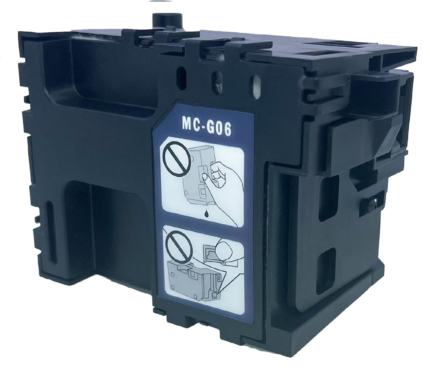
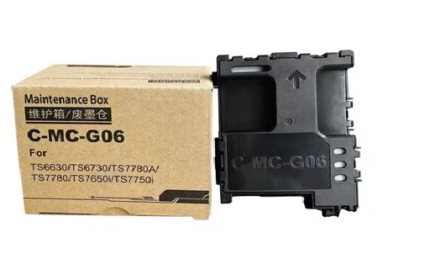
MC-G06 Maintenance Box Cartridge for Canon PIXMA TS7720 / TR7820 / TS7780A / TS7650i / TS7750i Printer
Original price was: ₹1,499.00.₹348.00Current price is: ₹348.00.
High-quality Compatible Import with Canon MC-G06 Maintenance Box for Canon MegaTank PIXMA TS7720 / TR7820 / TS7680i / TS7780i / TS770a / TS7720 / TR7820 / TS7650i / TS7640i / TS7740i / TS7780A / TS7650i / TS7750i Printer.
Ink charge - Ink maintenance - Waste ink collection - Waste pad - Ink Pad - Waste Ink Pad - Maintenance Pad- Maintenance Cartridge- Maintenance Box
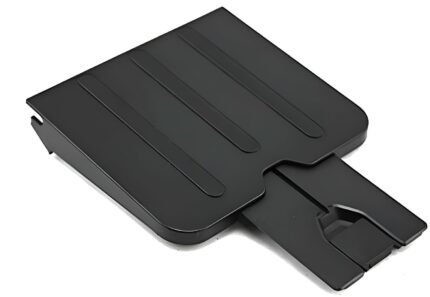
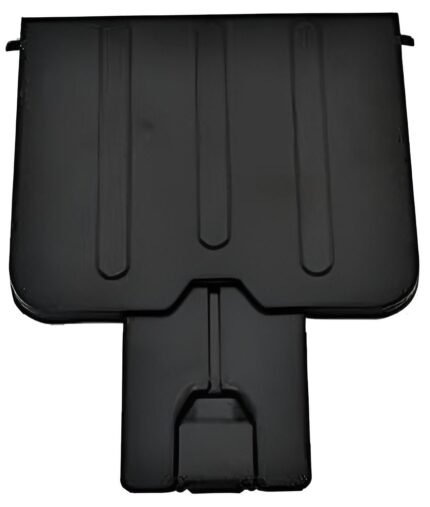
Paper Out – Exit Tray – Receiving Tray for HP LaserJet M1136, M121NF, M1216NF, M1218NF Printer
Price range: ₹35.00 through ₹250.00
Select options
This product has multiple variants. The options may be chosen on the product page
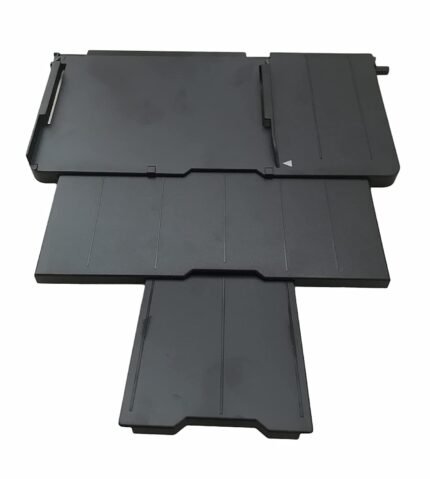
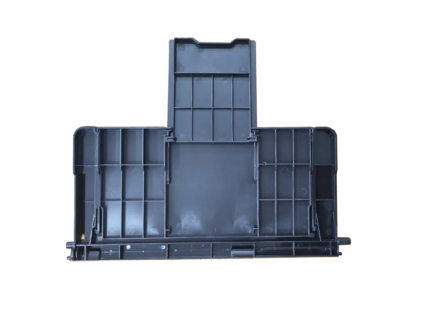
Paper Stacker Support Tray Assy C691 EPPI Epson L800 L805 L810 R290 Printer (1465134)
Original price was: ₹899.00.₹130.00Current price is: ₹130.00.
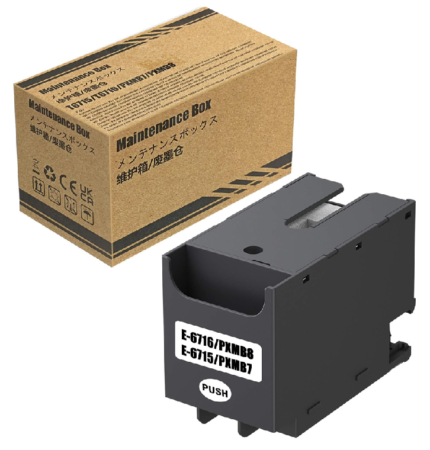
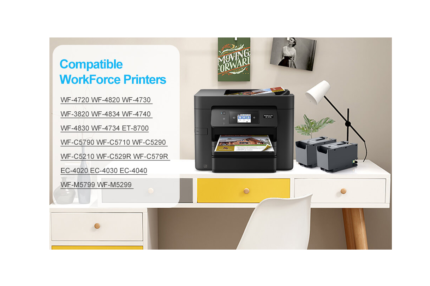
T6716 – T6715 Ink Maintenance Box For Epson WF-C529R / C579R / C5710 / C5790 / C5290 / ET-8700 Printer
Original price was: ₹599.00.₹210.00Current price is: ₹210.00.
High-quality compatible Import with Epson T6716 -T6715 Maintenance Box (PXMB9-PXMB7) WorkForce Pro WF-C5790, Pro WF-M5799, Pro WF-C529R, Pro WF-C579R, Pro WF-M5299, Pro WF-M5799, Pro WF-C5710, ET-8700 EcoTank All-in-One Supertank Printer
Maintenance Box for Epson Work Force Pro WF-4720DWF / WF-4725DWF / WF-4730DTWF / WF-4740DTWF / WF-C5210DW / WF-C5290DW / WF-C5290DW BAM / WF-C5710DWF / WF-C5790DWF / WF-M5298DW / WF-M5299DW / WF-M5799DWF.
WorkForce Pro WF-C529R Series / WF-C529RDTW / WF-C579RDTWF / WF-C579RD2TWF / WF-4720 / WF-4730 / WF-4734 / WF-4740 / EC-4020 / EC-4030 / EC-4040 / WF-C5210 / WF-C5290 / WF-C5710 / WF-C5790, WorkForce Pro WF-M5299 / WF-M5799 / ET-8700 / WF-C529R / WF-C579R / WorkForce Pro WF-4720 / WF-4740 / WF-4745.
WorkForce Pro WF-C5290/WF-C5790 / WF-M5299 / WF-M5799 / WF-C529R / WF-C579R / PX-M780F / PX-M781F / PX-M380F / PX-M380FC0 / PX-M381FL / PX-M884F / PX-M884FC0 / PX-M885F / PX-M886FL / PX-S380 / PX-S380C0 / PX-S381L / PX-S884 / PX-S884C0 / PX-S885 / WorkForce Pro WF-C5290 / WF-C5790 / WF-C5290a / WF-C5790a; WorkForce Pro WF-M5298 / WF-M5299(a) / WF-M5799(a) Printer.
Waste pad - Ink Pad - Waste Ink Pad - Maintenance Pad- Maintenance Cartridge- Maintenance Box
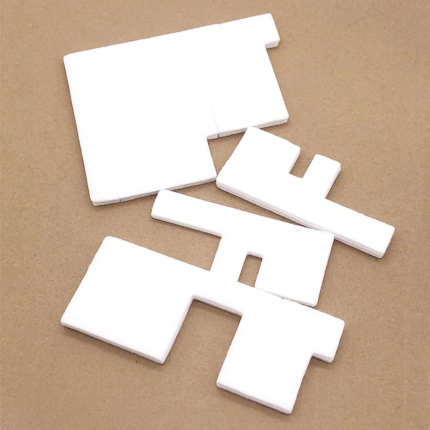
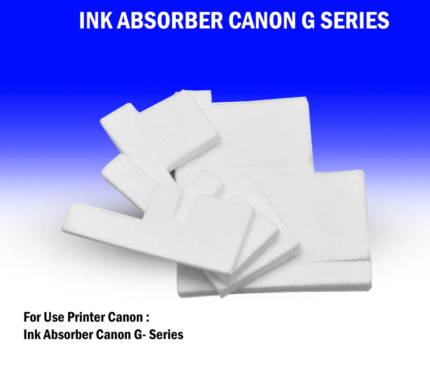
Waste Ink Pad Foam (Sponge-4Pcs) Flushing Foam Assy for Canon G1000 / G2000 / G3000 / G4000 Printer – Import
Original price was: ₹599.00.₹42.00Current price is: ₹42.00.
High-quality Compatible-Import with Epson Waste Pad Box for Canon Pixma G1200 / G1300 / G2000 / G2100 / G2200 / G2400 / G3000 / G3100 / G3200 / G3202 / G4000 / G4100 / G4200 / G1000 / G1100 Printer
Ink charge - Ink maintenance Sponge - Waste ink collection - Waste pad Foam - Ink Pad - Waste Ink Pad - Maintenance Pad - Maintenance Cartridge- Ink Absorber- Tray Porous Pad - ASSY.CISS.EPPI - Flushing Foam Assy - Capping Pad - Cleaning Pad - Purge Pad
Reviews
There are no reviews yet.