
- Printers Categories
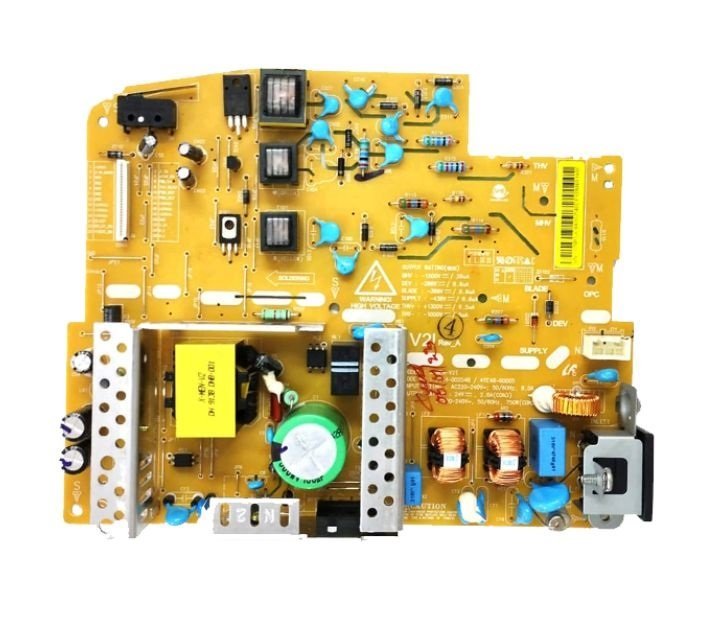
Power Supply Board – DC Board for HP Neverstop Laser MFP 1200a / 1200nw / 1200w / 1000a / 1000w Printer (JC44-00254B)
- Components Parts
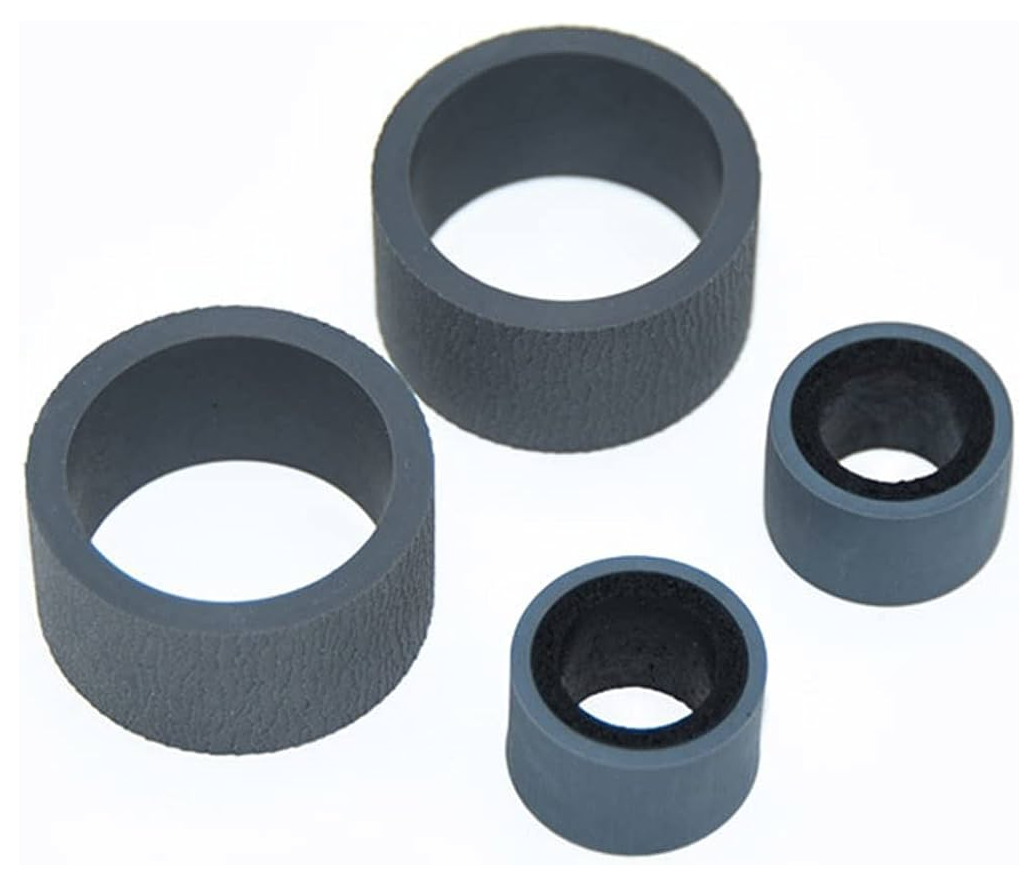
Pickup – Exchange Roller Kit (Rubber-Tire) for Canan Image for DR-C125 / DR-C225 / DR-C225II Scanner
- Consumables
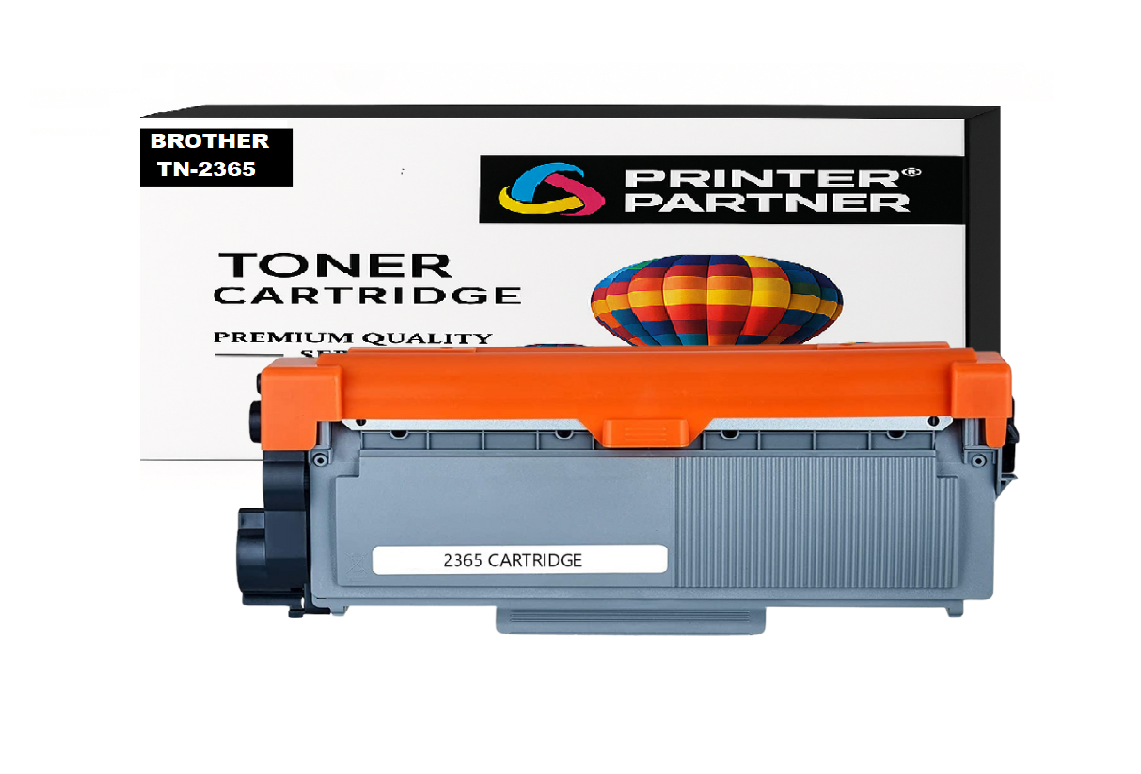
Brother TN-2365 Toner Cartridge for DCP HL-L2321D / HL-L2361DN / HL-L2366DW / DCP-L2520D / DCP-L2541/ DW MFC-L2701D / MFC-L270 Printer
- Tools & Accessories
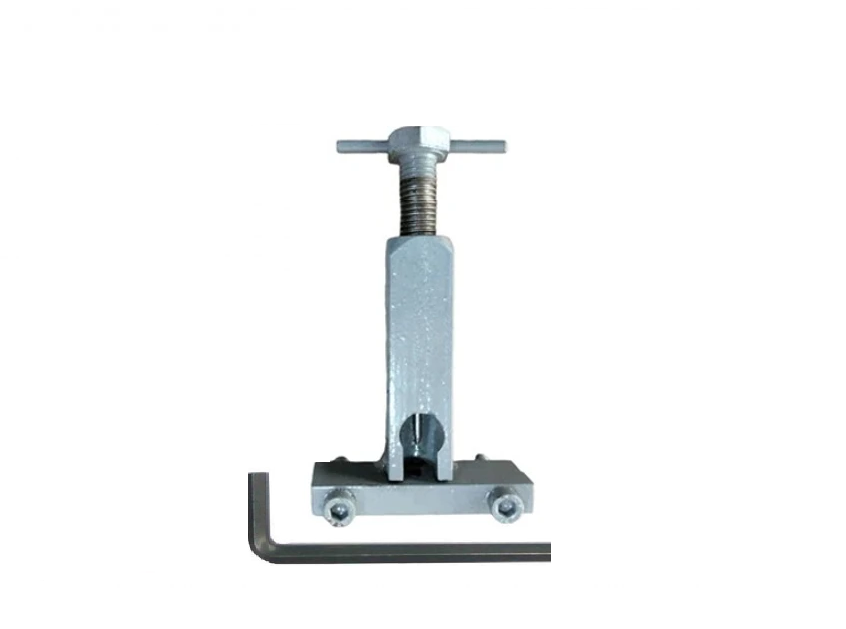
Motor Pulley Gear Removal Tool for Laserjet 1018 / 1020 Plus / M1005 / Canon LBP2900 Printer
-81%
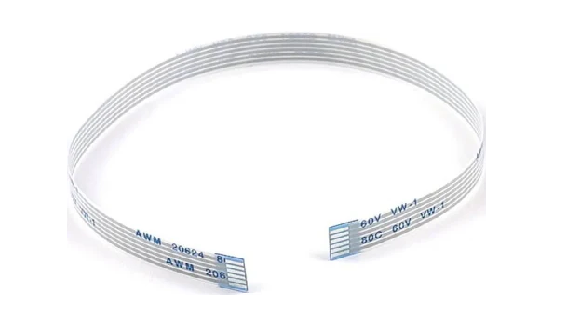
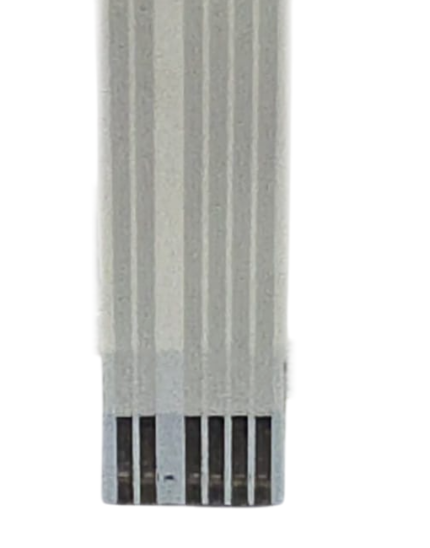
Chip Connector Cable for Epson EcoTank L8050 / L8060 / L8150 / L8180 / EC-C7000 Printer (2207988)
Original price was: ₹399.00.₹325.00Current price is: ₹325.00. (₹383.50 Including Tax)
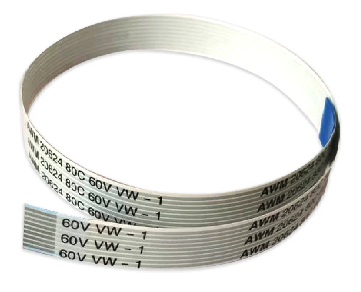
Laser Scanner Unit Cable - LSU Cable For HP LaserJet 1020w / 1005w / 2606dn / 2606sdn / M208dw / Canon M272 / LBP122 Printer - Import
Original price was: ₹199.00.₹12.00Current price is: ₹12.00. (₹14.16 Including Tax)
6 Pin – Control Panel – Display Panel Cable (QY5-0521-000) for Canon G3000 Printer – Import
Original price was: ₹199.00.₹38.00Current price is: ₹38.00. (₹44.84 Including Tax)
Durable and perfectly Control Panel – Display Panel Cable 6-Pin QY5-0521-000-417MM for Canon G3000 Printer.
Panel Cable – Ribbon Cable – PCB Cable – FFC Ribbon Flexible Flat Cable – Display Cable – Botten Panel Cable – Keypad Cable
| Weight | .15 kg |
|---|---|
| Dimensions | 10 × 8 × 15 cm |
| Quantity |
1 Piece ,3 Piece ,5 Piece ,10 Piece |
Description
Ensure that your display panel functions properly and printer works smoothly by utilizing the 6 Pin Control Panel Display Panel Cable (QY5-0521-000) for your Canon G3000 Printer. The high-quality control panel cable will be responsible for ensuring the effective signal transmission between the printer’s motherboard and its control panel assembly.
✅ Easy to install—technical skills needed, केबल की स्थापना योग्य कर्मियों द्वारा की जानी चाहिए, Restore your printer’s functionality with the need for expensive repairs. No Soldering Required – Direct Fit.
✅ FAQ
Q1. What purpose does this 6 Pin Control Panel Cable serve?
It acts as a link between the printer’s motherboard and the control panel to communicate signals and buttons.
Q2. Which problems could this product help fix?
This product could fix non-functioning displays, button malfunction issues, and communications problems.
Q3. Is this an authentic Canon product?
This is a compatible replacement cable from an importing quality manufacturer.
Q4. Is it easy to install?
Installation by professionals is advised.
Q5. How is this product shipped?
This product is shipped in anti-static packaging.
✅ Common Problems Fixed
- Inoperative printer display
- Inoperative control panel screen
- Non-responsive control panel buttons
- Screen flicker problem
- Startup display problem
- Communication problems between control panel and printer motherboard
- Loose or faulty cable connections
Common Issues Resolved: “It Connects the control Panel to the Mainboard” or “No Power, Ideal replacement for Damaged, Torn, or faulty Panel cables”- “Panel Not Working / Flickering / No Panel Signal” Errors Helps maintain Print alignment and Paper Printing Issue.
📌Why Buy from Printer Partner?
✅ Reliable supplier of printer spare parts
✅ Tested products
✅ Fast delivery services
✅ Safe packing
✅ Best for repair experts
Printer Partner provides both original and premium-quality compatible parts, depending on your requirement. https://www.instagram.com/printerpartner.in/
https://www.facebook.com/profile.php?id=61578304335545
We also offer Printer Rental Services across Delhi–NCR along with professional Toner Cartridge Refilling solutions. For enquiries, contact us at burmansystems2003@gmail.com
Note: – No Return, No Exchange, No Warranty on This Product
Reviews (0)
Shipping & Delivery


Related products
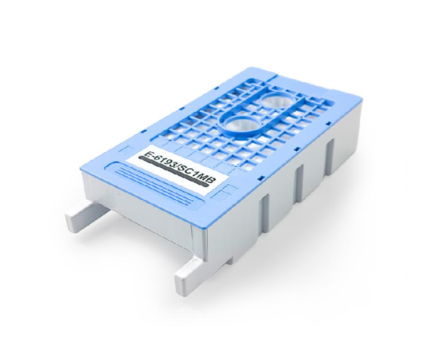
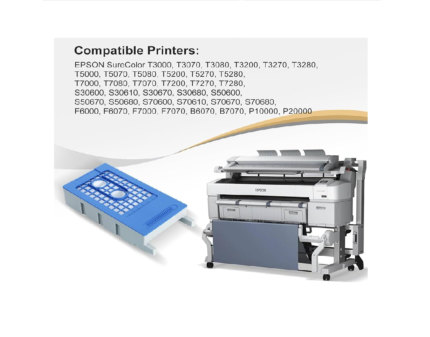
E-6193-SC1MB Maintenance Box for Epson SureColor T3000 – T5000 – T7000 – T3200 – T5200 – T7200 – F6000 Printer
Original price was: ₹799.00.₹415.00Current price is: ₹415.00. (₹489.70 Including Tax)
High-quality Compatible-Import with Epson T6193/SC1MB Maintenance Box for Sure Color EPSON T3000 - T5000 - T7000 - T3070 - T5070 - T7070 - T3270 - T5270 - T7270 - T3050 - T5050 - T7050 - T3250 - P20000.
T6193 / T619300 Waste Ink Pad - Ink Maintenance Box SC T7200DPS - SureColor SC T7200D - SureColor SC T7200PS - SureColor ST T7200 - SureColor SC T5200DPS - SureColor SC T5200D MFP PS - SureColor SCT5200PS -SureColor SC T5200PS MFP - SureColor SC T5200MFP HDD - SureColor SC T5200 - SureColor SC T3200PS - SureColor SC T3200 w/o st - SureColor SC T3200 Series - SureColor SC T3200 - SureColor SC T3000st - SureColor SC P20000 - SureColor SC P10000.
Epson SureColor SC T7000 POS - Epson SureColor SC T7000 - Epson SureColor SC T5000 POS - Epson SureColor SC T5000 - Epson SureColor SC T3000 POS - Epson SureColor SC T3000 - Epson SureColor SC F6000 Printer.
Ink charge - Ink maintenance - Waste ink collection - Waste pad - Ink Pad - Waste Ink Pad - Maintenance Pad- Maintenance Cartridge- Maintenance Box
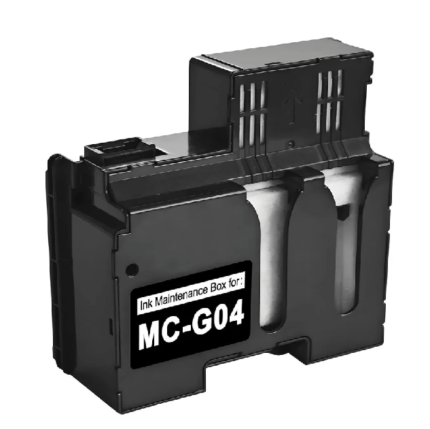
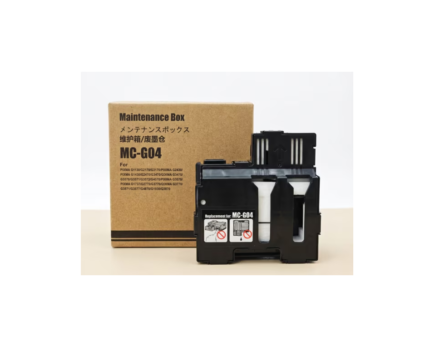
MC G04 – Mcg04 Maintenance Box Cartridge for Canon PIXMA G3170 / G3270 / G3370 / G1130 / G2170 / G3170 / G1230 Printer- Import
Original price was: ₹799.00.₹110.00Current price is: ₹110.00. (₹129.80 Including Tax)
High-quality Compatible-Import with Canon MC G04 - Mcg04 Ink Maintenance Box for
✅ Compatible Canon PIXMA / MAXIFY Models :- G1130 / G1230 / G1330 / G1430 / G1530 / G1730 / G1737 / G1830 / G1831 / G1930 / G2170 / G2270 / G2470 / G2570 / G2730 / G2770 / G2830 / G2863 / G2870 / G2970 / G3170 / G3270 / G3370 / G3470 / G3471 / G3472 / G3570 / G3571 / G3572 / G3630 / G3670 / G3675 / G3730 / G3770 / G3830 / G3831 / G3832 / G3833 / G3836 / G3870 / G3871 / G3872 / G3970 / G3971 / G3972 / G4470 / G4570 / G4670 / G4770 / G4870 / G4970 Printer
Ink charge - Ink maintenance - Waste ink collection - Waste pad - Ink Pad - Waste Ink Pad - Maintenance Pad - Maintenance Cartridge - Maintenance Box
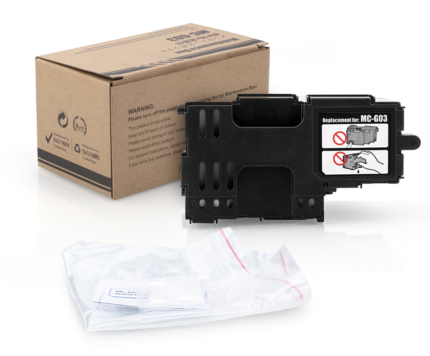
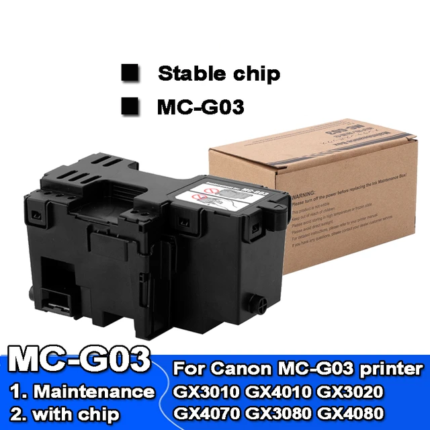
MC-G03 Maintenance Box Cartridge for Canon Maxify-PIXMA Mega Tank GX3070, GX3072, GX4070 Printer
Original price was: ₹799.00.₹165.00Current price is: ₹165.00. (₹194.70 Including Tax)
High-quality Compatible-Import with MC-G03 Maintenance Box for Canon GX3010 - GX4010 - GX3020 - GX4070 - GX3080 - GX4080 - GX3090 - GX4030 - GX3040 - GX4040 - GX3050 - GX4050 - GX4030 - GX3040 - GX4040 - GX3050 GX4050 - GX3070 - GX4070 - GX4080 - GX3080 - GX4090 - GX4091 - GX4092 Printer
Ink charge - Ink maintenance - Waste ink collection - Waste pad - Ink Pad - Waste Ink Pad - Maintenance Pad- Maintenance Cartridge- Maintenance Box
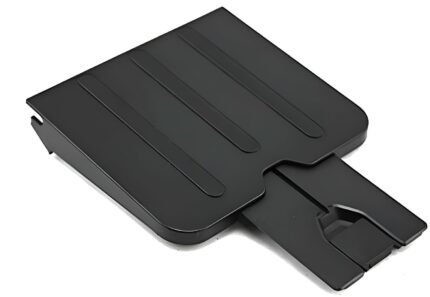
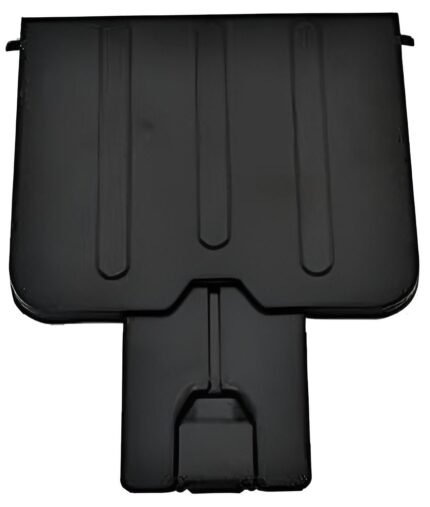
Paper Out – Exit Tray – Receiving Tray for HP LaserJet M1136, M121NF, M1216NF, M1218NF Printer
Price range: ₹35.00 through ₹250.00
Select options
This product has multiple variants. The options may be chosen on the product page
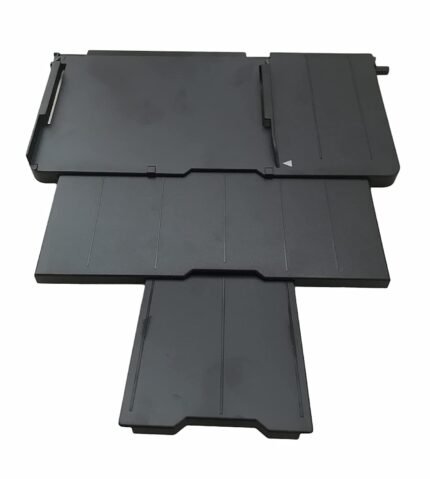
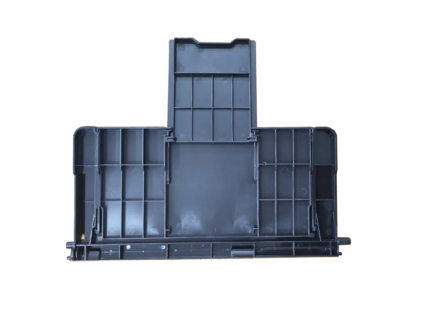
Paper Stacker Support Tray Assy C691 EPPI Epson L800 L805 L810 R290 Printer (1465134)
Original price was: ₹899.00.₹130.00Current price is: ₹130.00. (₹153.40 Including Tax)
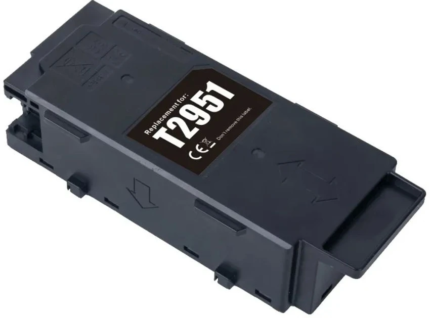
T2951 Ink Maintenance Box For Epson PM-520 / PM-525
Original price was: ₹799.00.₹435.00Current price is: ₹435.00. (₹513.30 Including Tax)
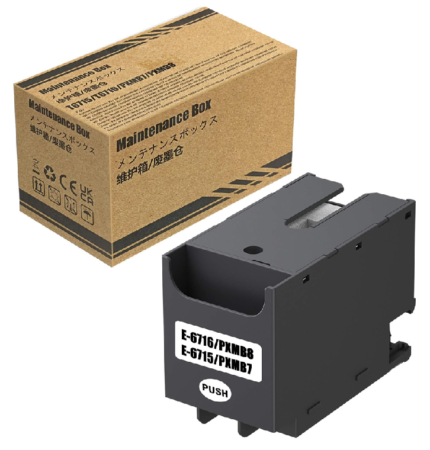
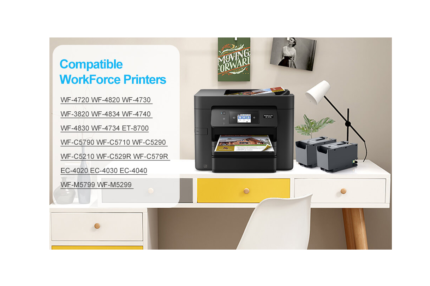
T6716 – T6715 Ink Maintenance Box For Epson WF-C529R / C579R / C5710 / C5790 / C5290 / ET-8700 Printer
Original price was: ₹599.00.₹210.00Current price is: ₹210.00. (₹247.80 Including Tax)
High-quality compatible Import with Epson T6716 -T6715 Maintenance Box (PXMB9-PXMB7) WorkForce Pro WF-C5790, Pro WF-M5799, Pro WF-C529R, Pro WF-C579R, Pro WF-M5299, Pro WF-M5799, Pro WF-C5710, ET-8700 EcoTank All-in-One Supertank Printer
Maintenance Box for Epson Work Force Pro WF-4720DWF / WF-4725DWF / WF-4730DTWF / WF-4740DTWF / WF-C5210DW / WF-C5290DW / WF-C5290DW BAM / WF-C5710DWF / WF-C5790DWF / WF-M5298DW / WF-M5299DW / WF-M5799DWF.
WorkForce Pro WF-C529R Series / WF-C529RDTW / WF-C579RDTWF / WF-C579RD2TWF / WF-4720 / WF-4730 / WF-4734 / WF-4740 / EC-4020 / EC-4030 / EC-4040 / WF-C5210 / WF-C5290 / WF-C5710 / WF-C5790, WorkForce Pro WF-M5299 / WF-M5799 / ET-8700 / WF-C529R / WF-C579R / WorkForce Pro WF-4720 / WF-4740 / WF-4745.
WorkForce Pro WF-C5290/WF-C5790 / WF-M5299 / WF-M5799 / WF-C529R / WF-C579R / PX-M780F / PX-M781F / PX-M380F / PX-M380FC0 / PX-M381FL / PX-M884F / PX-M884FC0 / PX-M885F / PX-M886FL / PX-S380 / PX-S380C0 / PX-S381L / PX-S884 / PX-S884C0 / PX-S885 / WorkForce Pro WF-C5290 / WF-C5790 / WF-C5290a / WF-C5790a; WorkForce Pro WF-M5298 / WF-M5299(a) / WF-M5799(a) Printer.
Waste pad - Ink Pad - Waste Ink Pad - Maintenance Pad- Maintenance Cartridge- Maintenance Box
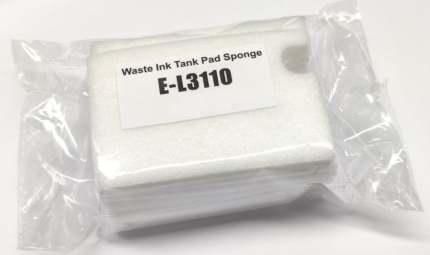
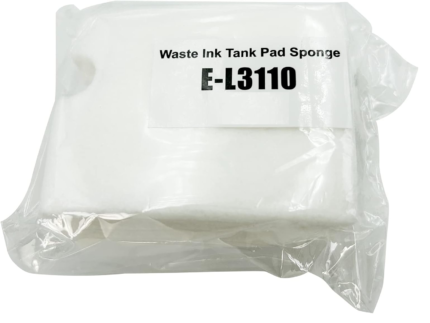
Waste Ink Pad Foam – Import (Sponge) – FLUSHING Foam Assy. for Epson L3110 / L3115 / L3116 / L3150 / L3156 / L3210 / L3250 Printer
Original price was: ₹599.00.₹21.00Current price is: ₹21.00. (₹24.78 Including Tax)
High-quality Compatible-Import with Epson Waste Pad Box for Epson L3110 / L3115 / L3116 / L3150 / L3156 / L3160 / L3210 / L3215 / L3216 / L3250 / L3256 / L5190 Printer
Ink charge - Ink maintenance Sponge - Waste ink collection - Waste pad Foam - Ink Pad - Waste Ink Pad - Maintenance Pad - Maintenance Cartridge- Ink Absorber- Tray Porous Pad - ASSY.CISS.EPPI - Flushing Foam Assy - Capping Pad - Cleaning Pad - Purge Pad
Reviews
There are no reviews yet.