
- Printers Categories
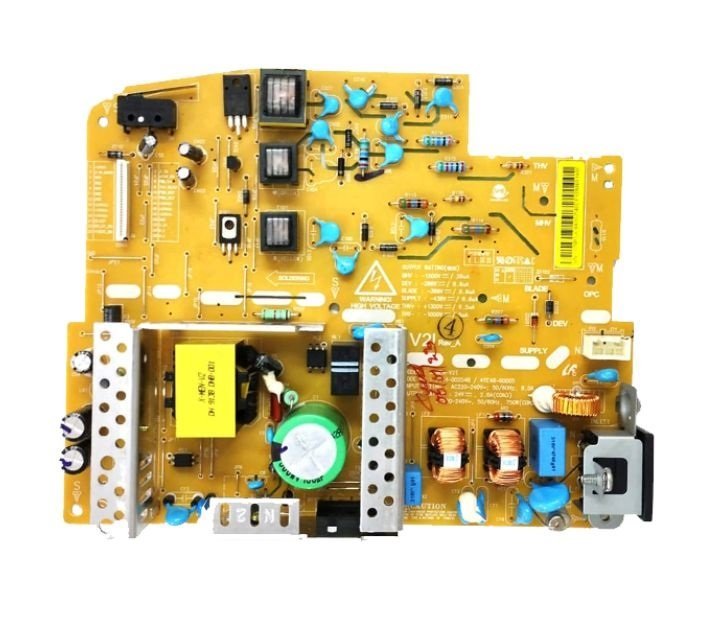
Power Supply Board – DC Board for HP Neverstop Laser MFP 1200a / 1200nw / 1200w / 1000a / 1000w Printer (JC44-00254B)
- Components Parts
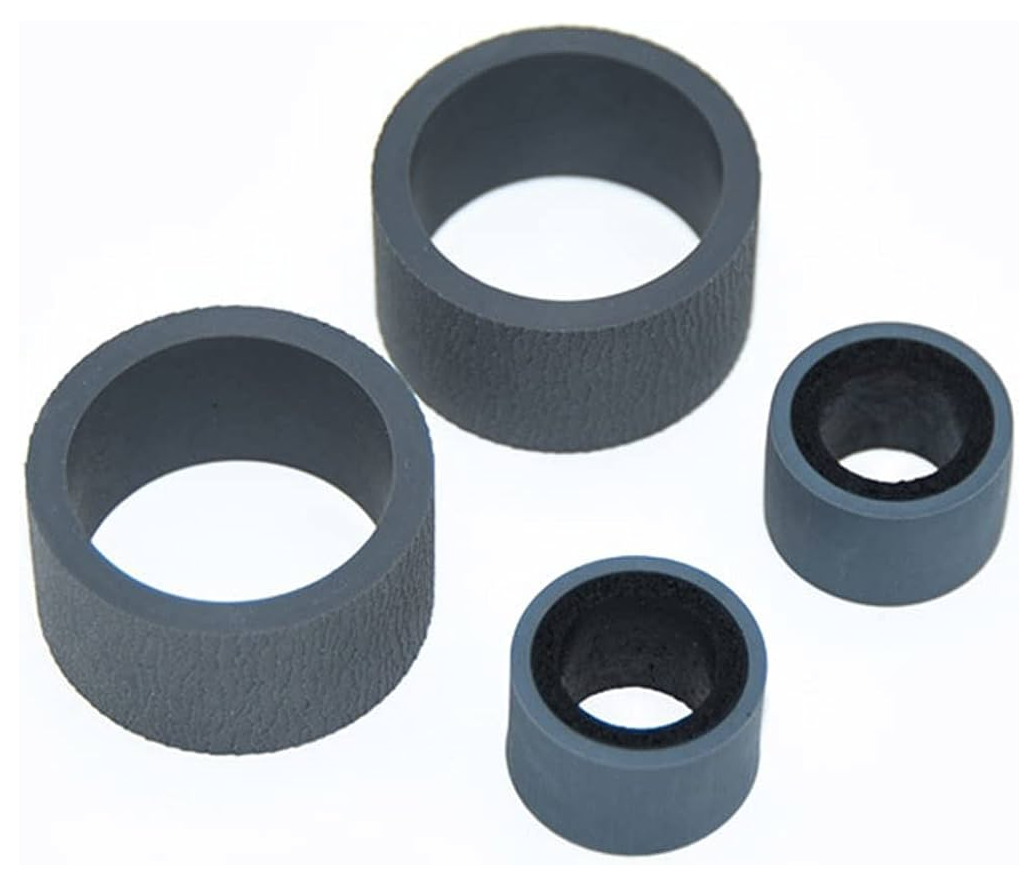
Pickup – Exchange Roller Kit (Rubber-Tire) for Canan Image for DR-C125 / DR-C225 / DR-C225II Scanner
- Consumables
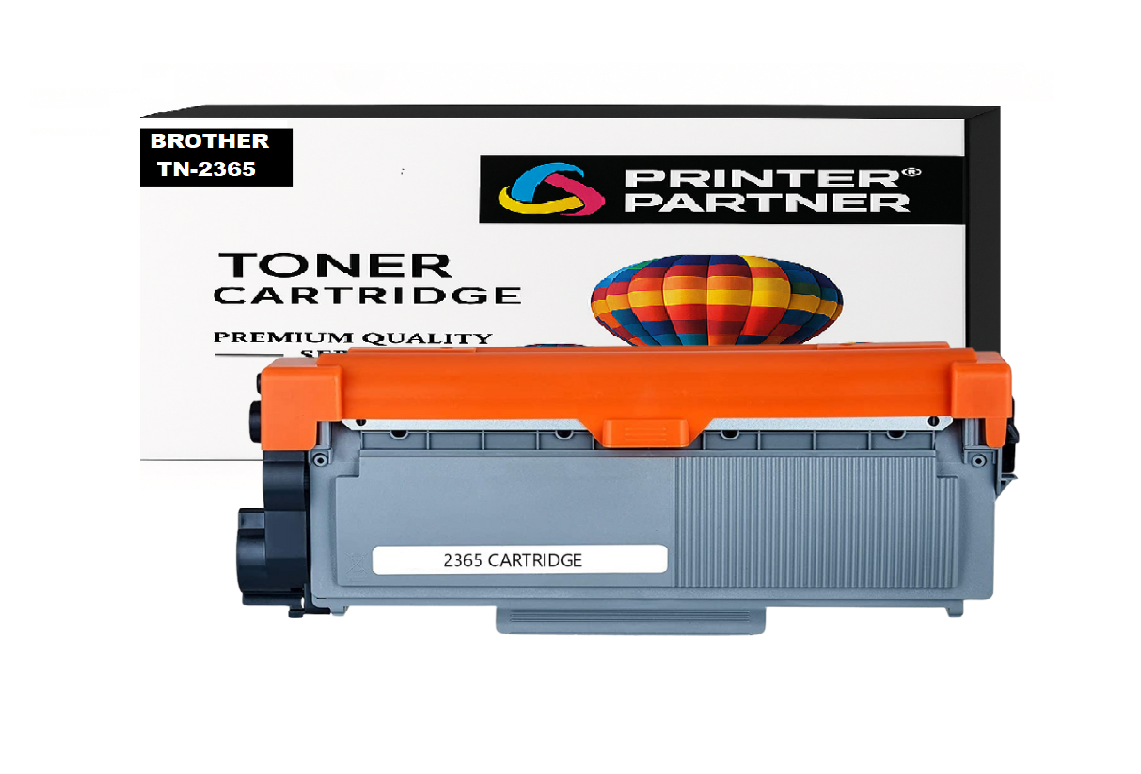
Brother TN-2365 Toner Cartridge for DCP HL-L2321D / HL-L2361DN / HL-L2366DW / DCP-L2520D / DCP-L2541/ DW MFC-L2701D / MFC-L270 Printer
- Tools & Accessories
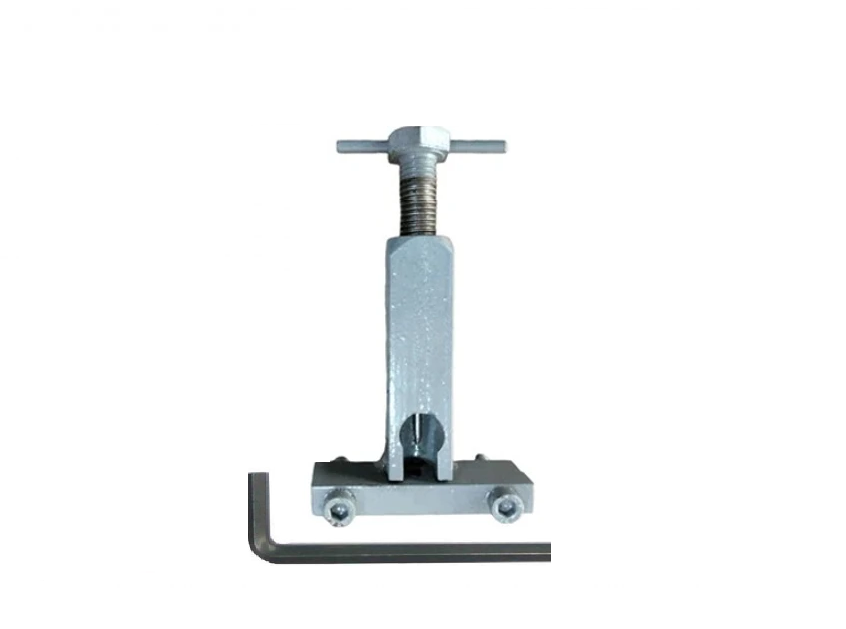
Motor Pulley Gear Removal Tool for Laserjet 1018 / 1020 Plus / M1005 / Canon LBP2900 Printer
-76%
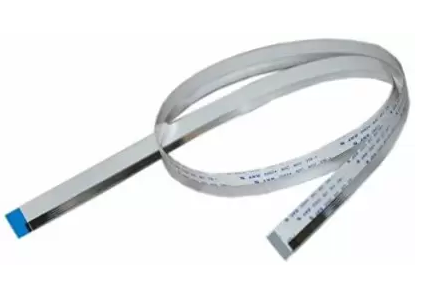
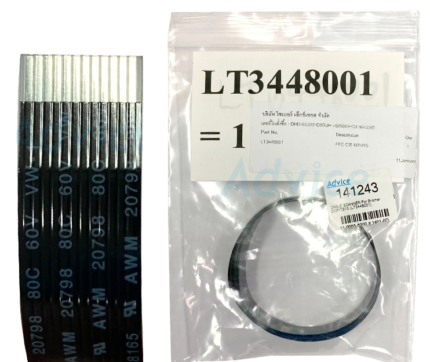
Scanner Cables-CCD Cable (Black) for Brother DCP-L2520 / DCP-L2541dw / DCP-7055 / DCP-7065DN Printer
Original price was: ₹199.00.₹92.00Current price is: ₹92.00. (₹108.56 Including Tax)
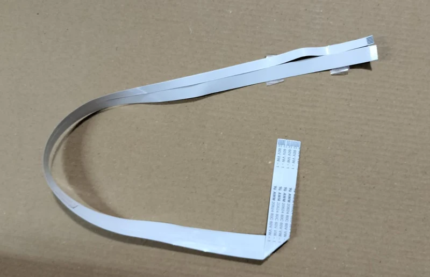
Laser Scanner Unit Cable - LSU Cable (14-PIN) for HP-Samsung LaserJet ML-1666 / SCX-3401 / 136A / 1200A / 1000A Printer
Original price was: ₹199.00.₹25.00Current price is: ₹25.00. (₹29.50 Including Tax)
Scanner Cables – CCD Cable for Xerox Work Centre / Dell / Samsung Xpress M2876 / SCX-3201 / SCX-3401 / Xerox 3215 / 3225 Printer (12 Pin-OG)
Original price was: ₹199.00.₹48.00Current price is: ₹48.00. (₹56.64 Including Tax)
Durable and perfectly Scanner Cables – CCD Cable (12 Pin) for Samsung Xpress SL M2870 M – 2876ND – M2876FD – M 2880FW – SCX 4701ND – SCX 4705 – SCX 4728FD – SCX-3200 – SCX-3201 – SCX 3205 – SCX 3206 – SCX 3208 – SCX 4021s – SCX 4321NS – SCX 4521FS – SCX 4521NS – 4521F – SCX4321 – SCX4521F – SCX3401 – 3405 – 340 Printer.
Xerox WorkCentre 3225dni – WorkCentre 3215 Monochrome Multifunction – WorkCentre 3215/N Printer.
Dell B1265dnf – B1265nf – B1265 Mono Laser Printer.
Charge-Coupled Device Cable – CCD Cable – Upper Scanner Cable – CCD Scanner Cable – CIS Head Cable – FFC Ribbon Flexible Flat Cable
| Weight | .10 kg |
|---|---|
| Dimensions | 5 × 5 × 15 cm |
| Quantity |
1 Piece ,3 Piece ,5 Piece ,10 Piece |
Description
The Scanner Cables – CCD Cable for Samsung Xpress M2876 and SCX-3201 and SCX-3401 and Xerox 3215 and 3225 printers need the Scanner Cables – CCD Cable to work properly. This cable is a part of the printer. It helps the scanner unit and the printer’s mainboard talk to each other. The cable is flexible. It carries the pictures that the scanner sensor sees. This lets the Samsung Xpress M2876 and SCX-3201 and SCX-3401 and Xerox 3215 and 3225 printer make clear scans and copies.
Common Issues Resolved: “Scanner Unit Communication error- Cable Pin Damage” or “Scanning head not initializing”- “They can wear down or break-Blurred scans”- “Partial or no image output-No scan, Blank Output, flickering,”. Error Helps maintain print alignment and Paper scanning Issue. faulty CCD cable may be the root cause. Replacing it with this high-quality replacement ensures optimal signal transmission and restores full scanning performance.
✅ Easy to install—technical skills needed, केबल की स्थापना योग्य कर्मियों द्वारा की जानी चाहिए, Restore your printer’s functionality with the need for expensive repairs. No Soldering Required – Direct Fit.
⭐ Key Features
✔ Compatible with Samsung M2876, SCX-3201, SCX-3401 & Xerox 3215, 3225
✔ Replaces faulty CCD scanner cable and CIS head cable
✔ Ensures stable scanner signal transmission
✔ Fixes scan errors, blank scans, and line issues
✔ High-quality FFC ribbon flexible flat cable
✔ Ideal for printer repair and maintenance
✔ Reliable spare part from Printer Partner
❓ FAQ
Q1. What does a CCD scanner cable do?
It connects the scanner sensor to the printer’s mainboard and transfers image data.
Q2. What are signs of a damaged CCD cable?
Scanner not working, blank pages, distorted images, or scan communication errors.
Q3. Is this cable compatible with Xerox 3225?
Yes, it works with Xerox 3215 and 3225 printers.
Q4. Can this fix scanner detection problems?
Yes, a faulty CCD cable often causes scanner communication failure.
Q5. Should a technician install this cable?
Yes, professional installation is recommended for safe and correct fitting.
Printer Partner provides both original and premium-quality compatible parts, depending on your requirement. https://www.instagram.com/printerpartner.in/
https://www.facebook.com/profile.php?id=61578304335545
We also offer Printer Rental Services across Delhi–NCR along with professional Toner Cartridge Refilling solutions. For enquiries, contact us at burmansystems2003@gmail.com
Note: – No Return, No Exchange, No Warranty on This Product
Reviews (0)
Shipping & Delivery


Related products
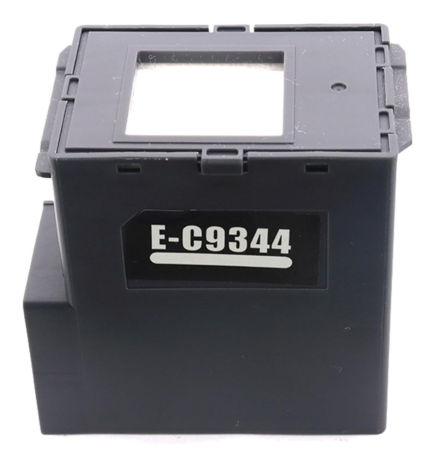
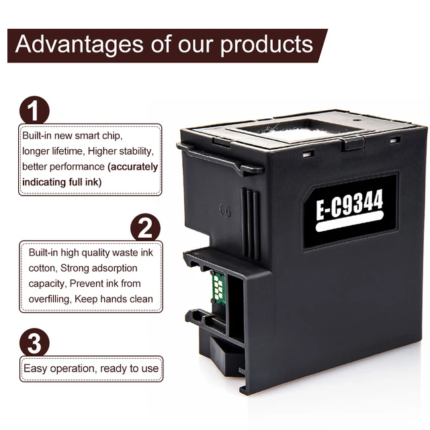
C9344 -T212 Ink Maintenance Box for Epson L3550 / L3560 / L5590 / XP-3100 / XP-4100 / XP-4105 / WF-2830 / WF-2850 / WF-2851 Printer – Import
Original price was: ₹599.00.₹95.00Current price is: ₹95.00. (₹112.10 Including Tax)
High-quality compatible-Import with Epson C9344 Maintenance Box (C9344-T212) Epson C9344-T212 Ink Maintenance Box 100% Compatible with
Epson Expression Home Series: XP-2100 / XP-2105 / XP-2150 / XP-2155 / XP-3100 / XP-3105 / XP-3150 / XP-3155 / XP-3200 / XP-3205 / XP-3250 / XP-3255 / XP-4100 / XP-4101 / XP-4105 / XP-4150 / XP-4155 / XP-4200 / XP-4205 / XP-4250 / XP-4255 Printer.
Epson WorkForce Series: WF-2810 / WF-2810DWF / WF-2820 / WF-2820DWF / WF-2830 / WF-2850 / WF-2851 / WF-2930 / WF-2950 Printer.
Epson EcoTank Series: L3550 / L3556 / L3560 / L5590 Printer.
Ink charge - Ink maintenance - Waste ink collection - Waste pad - Ink Pad - Waste Ink Pad - Maintenance Pad- Maintenance Cartridge- Maintenance Box
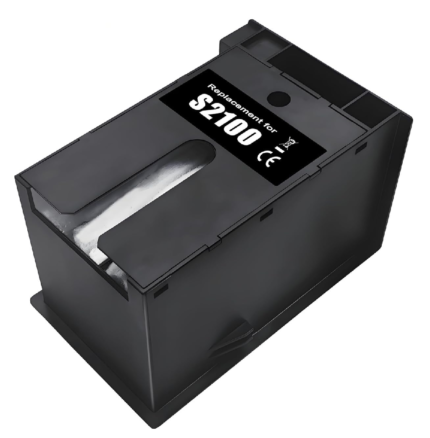
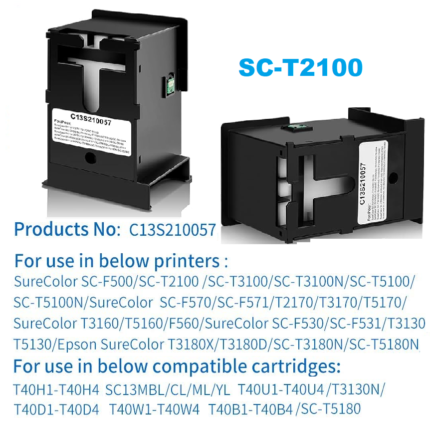
Ink Maintenance Box S2100 – SC13MB for Epson Sure Color T2170 / T3170 / T3170X / T5170 / T2100 / T3100 / T5100 / F570 / F571 Printer
Original price was: ₹799.00.₹272.00Current price is: ₹272.00. (₹320.96 Including Tax)
High-quality Compatible-Import with Epson S2100-C13S210057-C13MB Maintenance Box Epson Sure Color SC-F531, SC-F560, SC-F570, SC-T2100, SC-T3100, T5130, T5160, T5170, T2170, T3170, T3170X, T5170, T2100, T3100, T5100, F570, F571, T3170M Epson Sure Color T-series and F-series printers, Sure Color T-series & F-series Printers.
Ink charge - Ink maintenance - Waste ink collection - Waste pad - Ink Pad - Waste Ink Pad - Maintenance Pad- Maintenance Cartridge- Maintenance Box
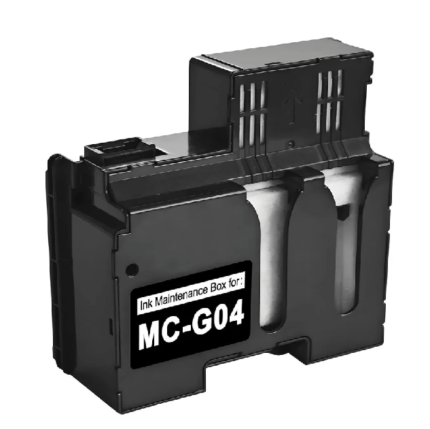
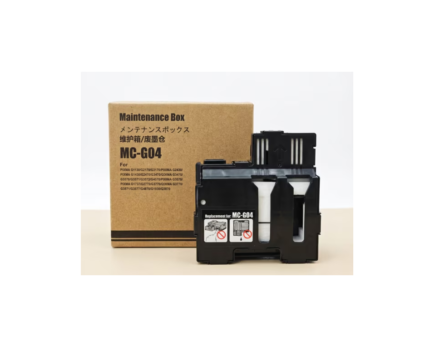
MC G04 – Mcg04 Maintenance Box Cartridge for Canon PIXMA G3170 / G3270 / G3370 / G1130 / G2170 / G3170 / G1230 Printer- Import
Original price was: ₹799.00.₹110.00Current price is: ₹110.00. (₹129.80 Including Tax)
High-quality Compatible-Import with Canon MC G04 - Mcg04 Ink Maintenance Box for
✅ Compatible Canon PIXMA / MAXIFY Models :- G1130 / G1230 / G1330 / G1430 / G1530 / G1730 / G1737 / G1830 / G1831 / G1930 / G2170 / G2270 / G2470 / G2570 / G2730 / G2770 / G2830 / G2863 / G2870 / G2970 / G3170 / G3270 / G3370 / G3470 / G3471 / G3472 / G3570 / G3571 / G3572 / G3630 / G3670 / G3675 / G3730 / G3770 / G3830 / G3831 / G3832 / G3833 / G3836 / G3870 / G3871 / G3872 / G3970 / G3971 / G3972 / G4470 / G4570 / G4670 / G4770 / G4870 / G4970 Printer
Ink charge - Ink maintenance - Waste ink collection - Waste pad - Ink Pad - Waste Ink Pad - Maintenance Pad - Maintenance Cartridge - Maintenance Box
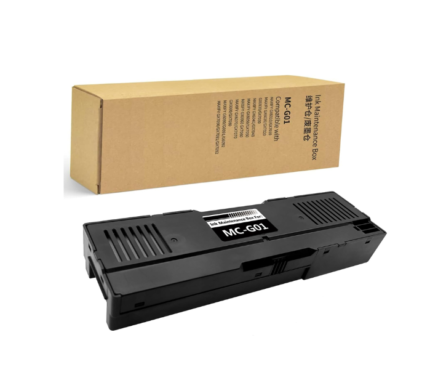
MC-G01 Ink Maintenance Box For Canon MAXIFY GX6010 – GX6020 – GX7010 – GX6040 – GX6050 – GX7050 Printer
Original price was: ₹999.00.₹170.00Current price is: ₹170.00. (₹200.60 Including Tax)
High-quality Compatible-Import with Canon C-MC-G01 Ink Maintenance Box - Waste Ink Tank MAXIFY G6090 - G6091 - G6092 - GX6010 - GX6020 - GX6030 - GX6040 - GX6050 - GX6060 - GX6070 - GX6080 - GX7010 - GX7020 - GX7030 - GX7040 - GX7050 - GX7060 - GX7070 - GX7080 - GX7090 - GX7091 - GX7092 Printer.
Ink charge - Ink maintenance - Waste ink collection - Waste pad - Ink Pad - Waste Ink Pad - Maintenance Pad- Maintenance Cartridge- Maintenance Box
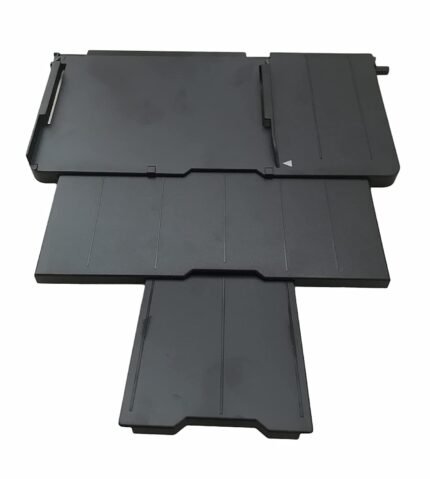
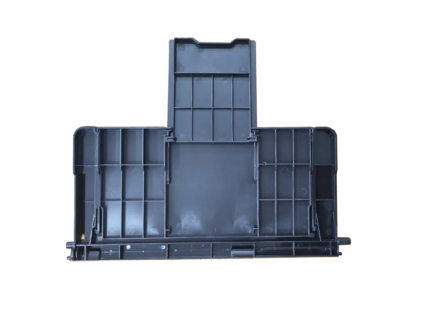
Paper Stacker Support Tray Assy C691 EPPI Epson L800 L805 L810 R290 Printer (1465134)
Original price was: ₹899.00.₹130.00Current price is: ₹130.00. (₹153.40 Including Tax)
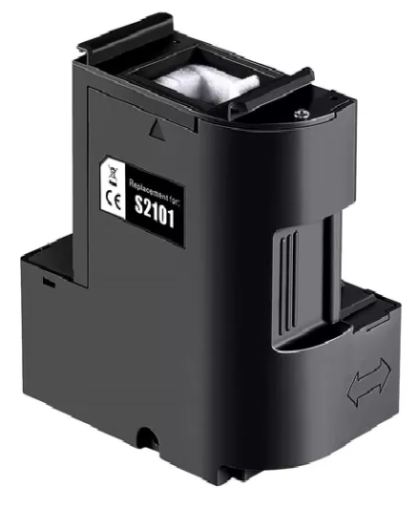
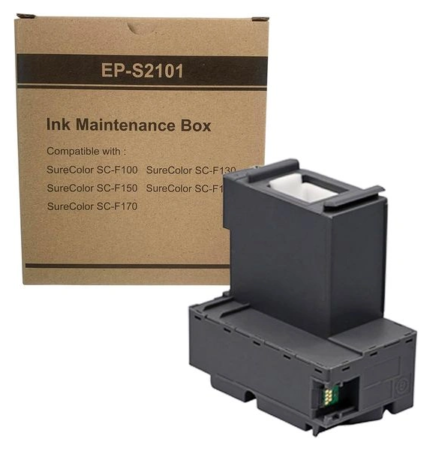
S2101-SC23MB Ink Maintenance Box For Epson SC-F100 / SC-F130 / SC-F160 / SC-F170 Printer
Original price was: ₹799.00.₹190.00Current price is: ₹190.00. (₹224.20 Including Tax)
High-quality Compatible-Import with Epson S2101 - C13S210125 - SC23MB Maintenance Box Epson Sure Color SC-F100 / SC-F130 / SC-F160 / SC-F170 / Waste Tank C-J6545DW / MFC-J6545DW XL / MFC-J6945DW Printer.
Ink charge - Ink maintenance - Waste ink collection - Waste pad - Ink Pad - Waste Ink Pad - Maintenance Pad- Maintenance Cartridge- Maintenance Box
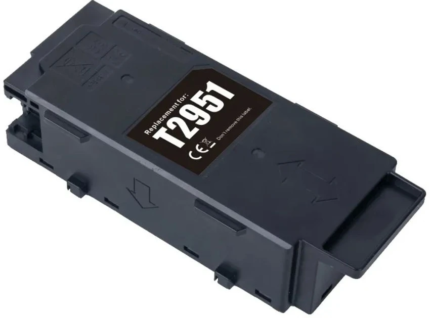
T2951 Ink Maintenance Box For Epson PM-520 / PM-525
Original price was: ₹799.00.₹435.00Current price is: ₹435.00. (₹513.30 Including Tax)
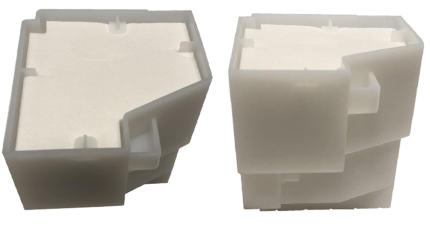
Waste Pad – Ink Pad (Import) for Epson L850 / L810 Printer – Import
Original price was: ₹599.00.₹145.00Current price is: ₹145.00. (₹171.10 Including Tax)
Reviews
There are no reviews yet.